Nearly every WebGL library on the web asks you to make a choice. You can have the fluid simulation, the fire, the shattering glass — but the thing being distorted is a scene the library owns. Your buttons, your copy, your links are somewhere else, layered above or below it, untouched and untouchable.
Canvas UI, an open-source library by DavidHDev, refuses that trade. The effect does not replace your interface. It reads it.

The one fact worth knowing
Most of the library is built on html-in-canvas, an experimental browser API that lets a canvas draw live DOM elements. Canvas UI uses it to hand your page to a shader as a texture. The project’s own README puts the consequence plainly: text stays selectable, links stay clickable, and the whole page becomes a texture that fire, fluid and glass can distort in real time.
That is the difference between decoration and a technique. A hero animation that sits behind your content is a background. A fluid simulation that is made of your content, that ripples the same headline a visitor is about to select and copy, is something else.
If you want a one-line test of how seriously the project takes this, read its own component list. Twenty-five components ship today, and twenty-three of the twenty-five descriptions end with some version of the same three words: over your live HTML. Blaze is “fire sparks, smoke, and heat distortion rising over your live HTML.” Frost is “a frozen pane of ice over your live HTML that melts under the cursor and refreezes.” The two that do not say it — Dithered Object and Particle Object — are the two that render a 3D model instead of the page. The vocabulary is consistent because the mechanism is.
What you actually get
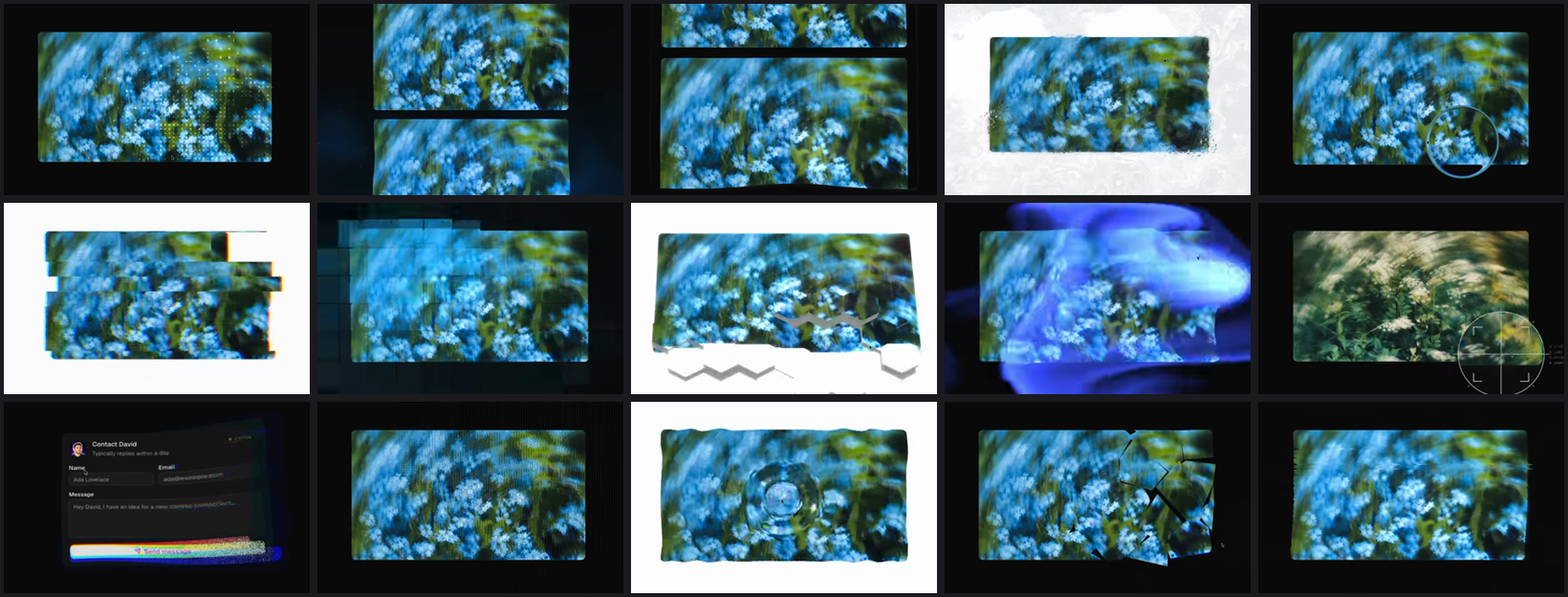
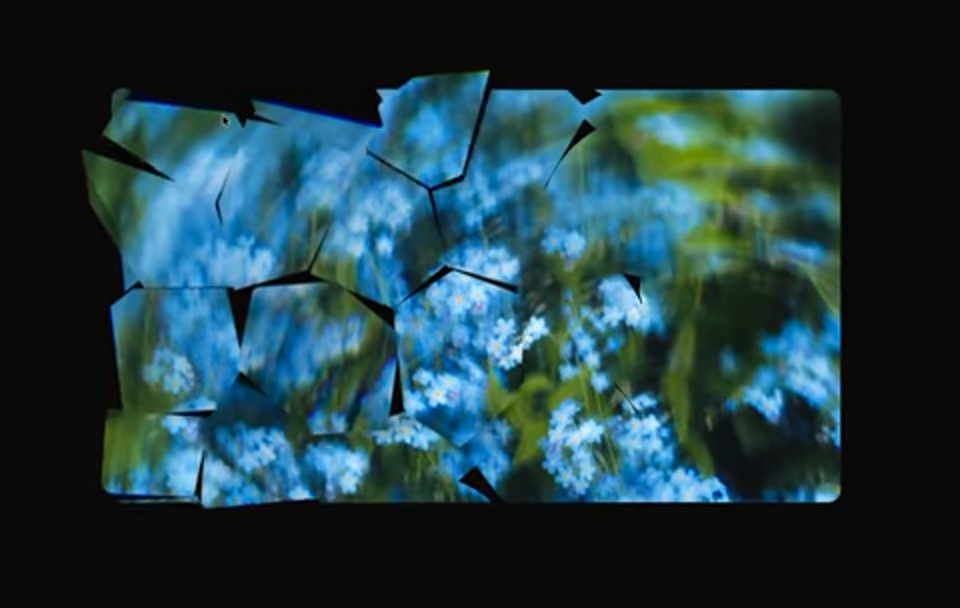
Twenty-five components: Asciify, Bend, Blaze, Bubble, Cloth, Clouds, Dithered Object, Droplets, Frost, Glass, Glass Object, Glitch, Grid, Hex Float, Laser, Liquid, Magnify, Particle Object, Particle Reveal, Particle Scroll, Peel, Retro Dither, Ripple, Shatter and VHS.
Each one ships in six flavours — React, Solid, Preact, Vue, Svelte and dependency-free vanilla TypeScript — so the choice of framework does not decide which effects you are allowed to use. There is no package to install and no runtime to adopt: the components arrive as source through a shadcn-compatible registry, land in your own project folder, and are yours to edit.
npx shadcn@latest add @canvas-ui/liquid-reactSwap liquid for any component and react for any of the other five. There is also an MCP endpoint, so an AI assistant pointed at the registry can browse the catalogue and install components itself.
The catch, stated plainly
The full html-in-canvas experience currently needs Chrome or Edge 140+ with the chrome://flags/#canvas-draw-element flag enabled. For a production site there is an origin-trial token, but that is still a trial, not a guarantee.
Everywhere else, the components fall back to rendering as pure WebGL overlays. That fallback is the honest part of the design: every visitor gets a page that works, and the visitors on a supported browser get the version where the page itself is the material. Anyone shipping this to a real audience should decide, deliberately, which of those two experiences is the one they are actually designing for.
Why we are pointing at it
We build interfaces, and most of the “creative web” toolkits we look at trade usability for spectacle. This one is interesting because it does not: the DOM keeps doing its job while the effect runs on top of it. The licence is MIT + Commons Clause — free in your own projects, commercial or not, with only the reselling of the library itself restricted.
At the time of writing the repository is eleven days old and has 2,112 stars. That is a velocity worth noting and nothing more; the reason to look is the mechanism, not the counter.
Repository: DavidHDev/canvas-ui · Site: canvasui.dev