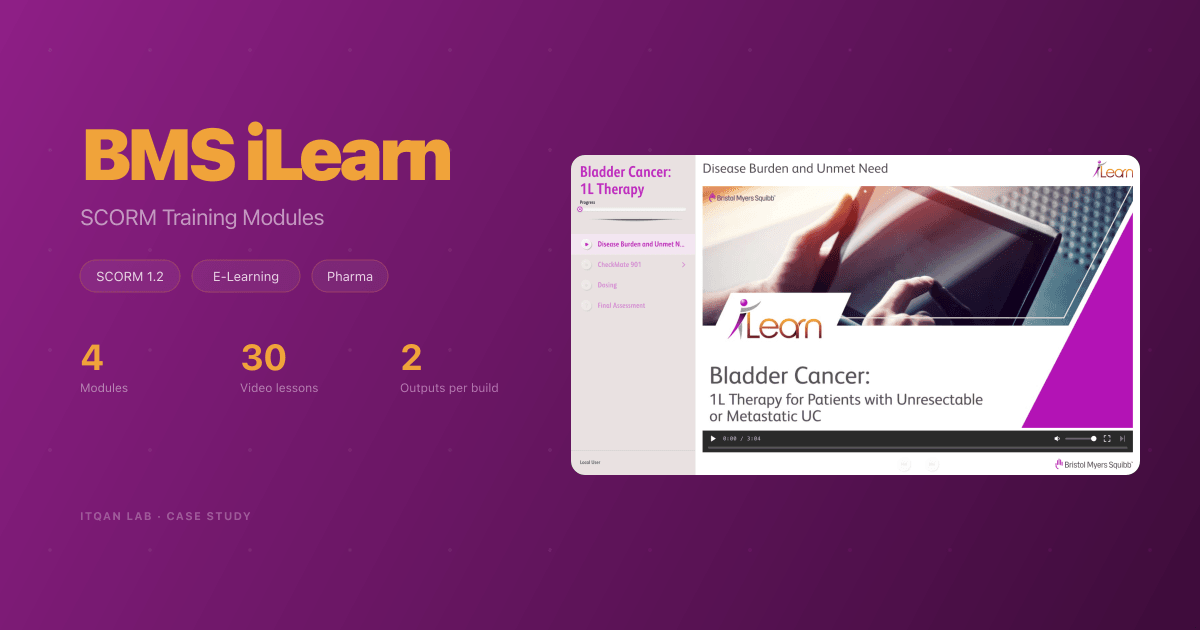
BMS iLearn: SCORM Training Modules for OPDIVO and Opdualag
For Bristol Myers Squibb's iLearn programme, through the agency Evidence Me, we build video training modules for healthcare professionals. Each module comes out of one build as a browser preview and a SCORM 1.2 package for the LMS. Four have shipped so far.
Services
Results
The Challenge
Bristol Myers Squibb runs iLearn, a training programme for healthcare professionals on OPDIVO and Opdualag. Through the agency Evidence Me, modules kept coming: recorded video lessons that play inside the client’s LMS, track each learner’s progress, and end in a scored assessment.
Before any module reaches the LMS, a review team checks it, and they don’t have LMS accounts. So every module has to ship two ways. And adding a module was meant to be content work only.
What We Built
The programme runs on our SCORM engine. We gave it the iLearn look, then turned it from one course into a programme. Modules sit side by side in the same codebase, and one command picks the active one. The iLearn and BMS branding lives in its own layer, so a new module brings only its lessons, videos and questions.
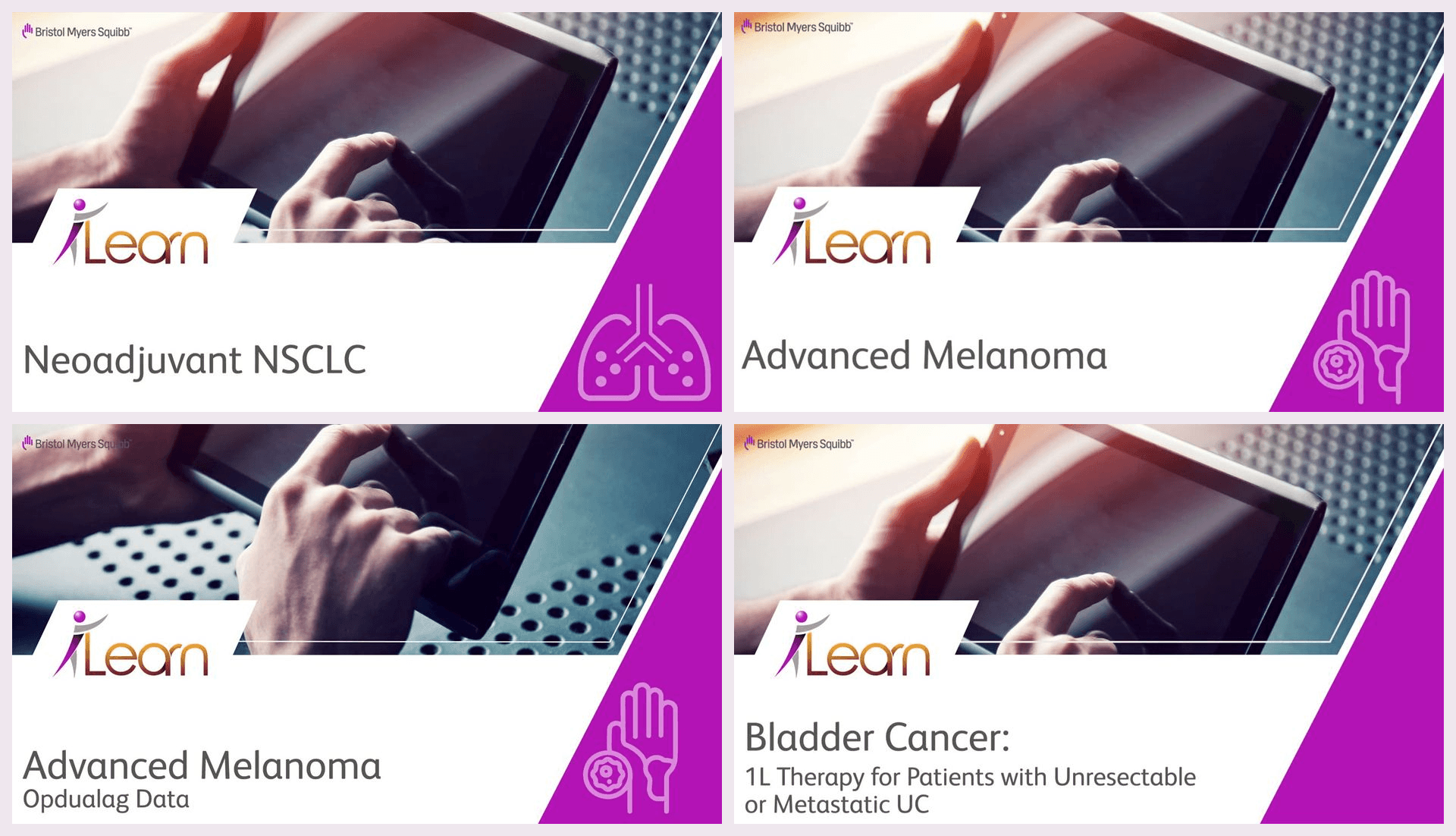
Four modules have shipped so far:
- Neoadjuvant NSCLC
- Advanced Melanoma
- Advanced Melanoma, Opdualag data
- Bladder Cancer, first-line therapy (October 2026)
The Player
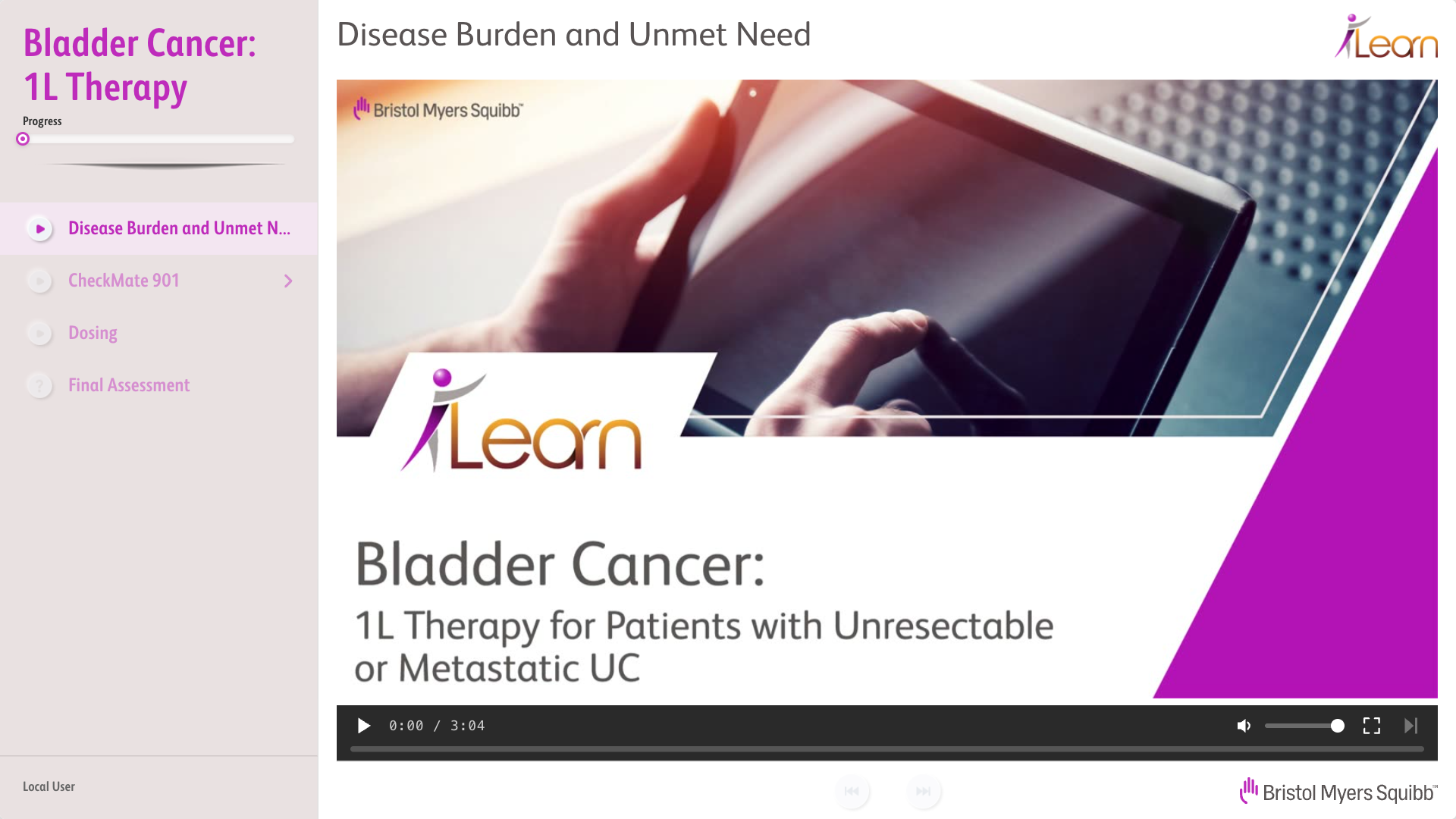
A fixed 1280x720 stage that scales down to fit the LMS window. Lessons sit in the sidebar under a progress bar, and the video takes the rest. Each lesson opens on its title frame, pulled from the video itself, so the learner never stares at a black box while it loads. The learner’s name comes from the LMS and shows at the foot of the sidebar.
Lessons in Order
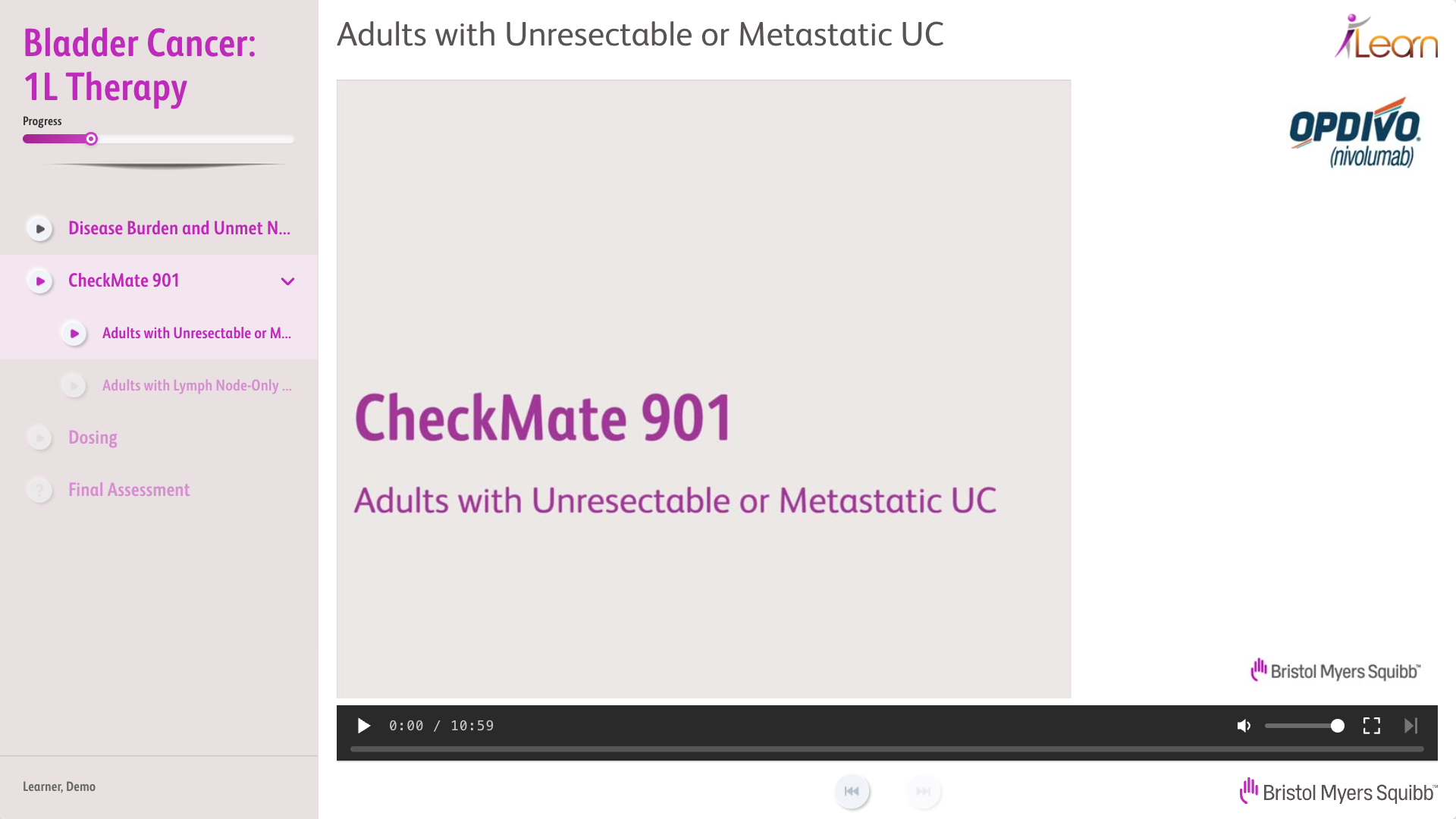
Lessons unlock one at a time. A lesson counts as watched at 90%, and the player won’t let anyone skip past the furthest point they’ve reached. Lessons that belong together fold under one heading in the sidebar. Close the module halfway and it reopens on the same lesson, at the same second.
The player also has its own full-screen mode, with a Next control in the video bar, so the learner can move on without leaving full screen.
Final Assessment
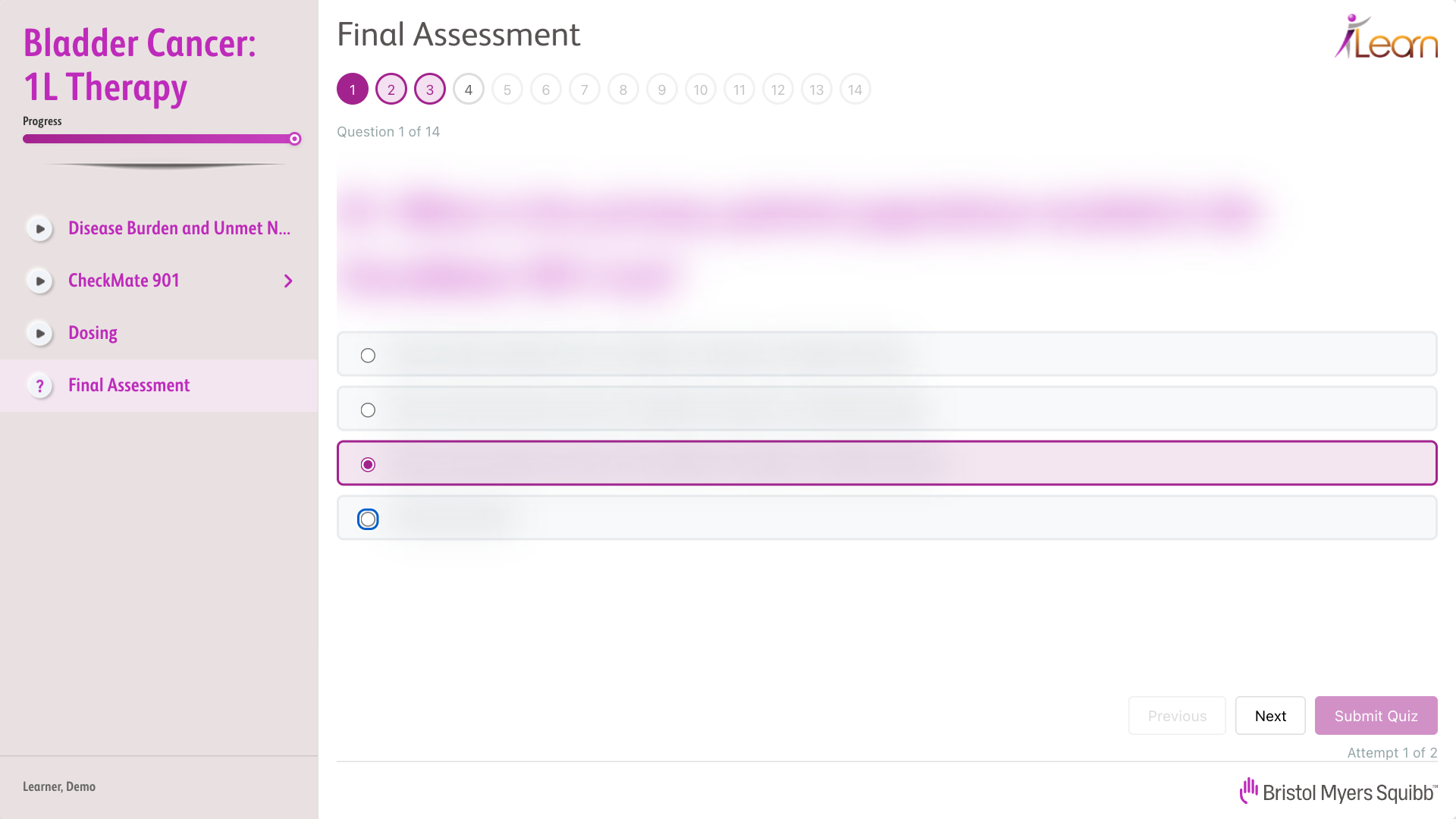
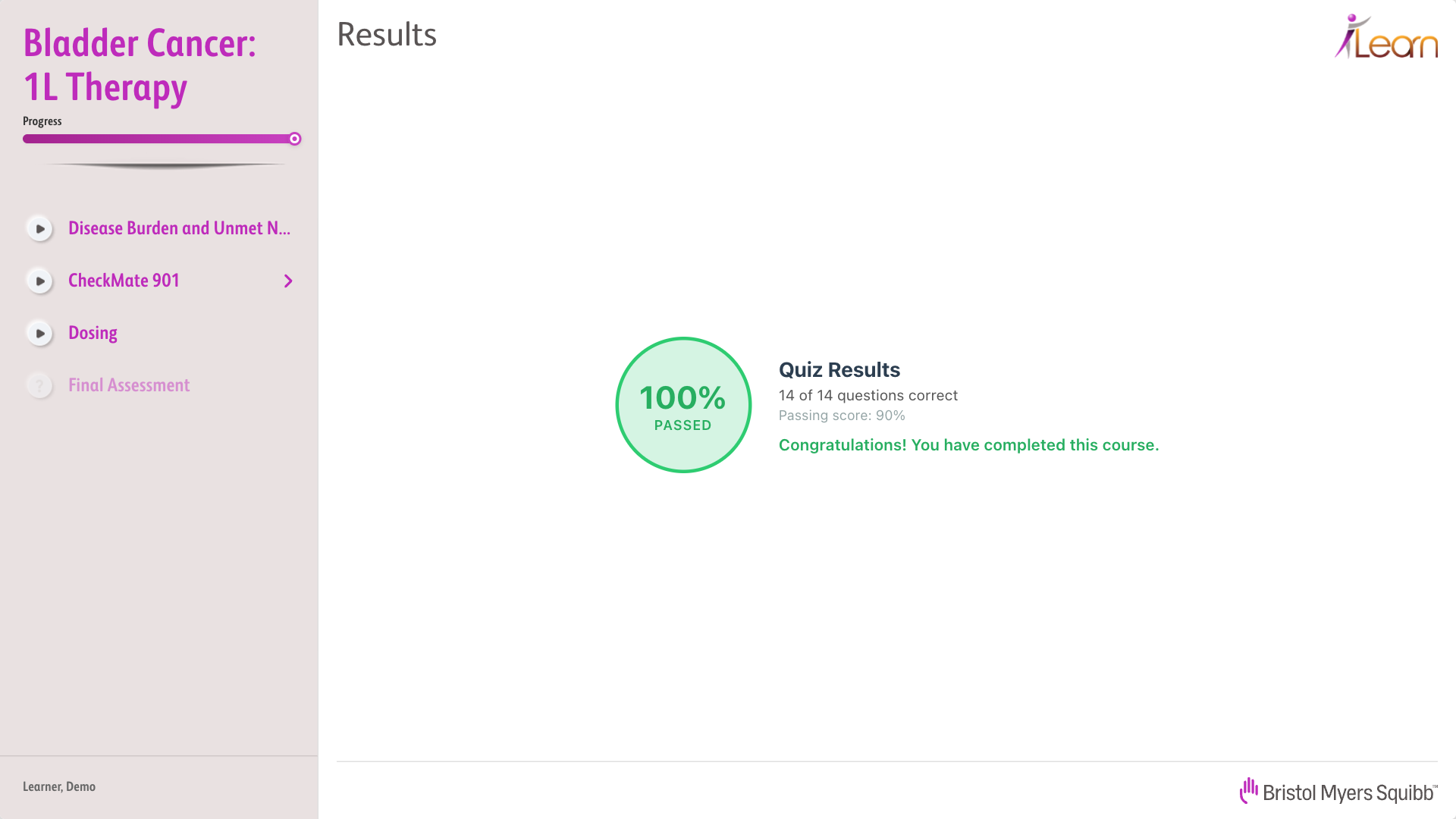
The assessment unlocks after the last lesson. Every question needs an answer, the numbered dots show where you are, and the pass mark and number of attempts come from the module’s config. The question text is blurred in these screens. It’s BMS’s training content, not ours to show.
One Build, Two Outputs
Each module is built once and comes out two ways: a web folder the review team opens in any browser, and a SCORM 1.2 zip for the LMS. The zip also carries small launchers for Mac and Windows. Whoever receives it can unzip it and double-click to watch the module on their own machine. With no LMS around, progress saves to the browser instead. Everything else behaves the same.
The Delivery Page
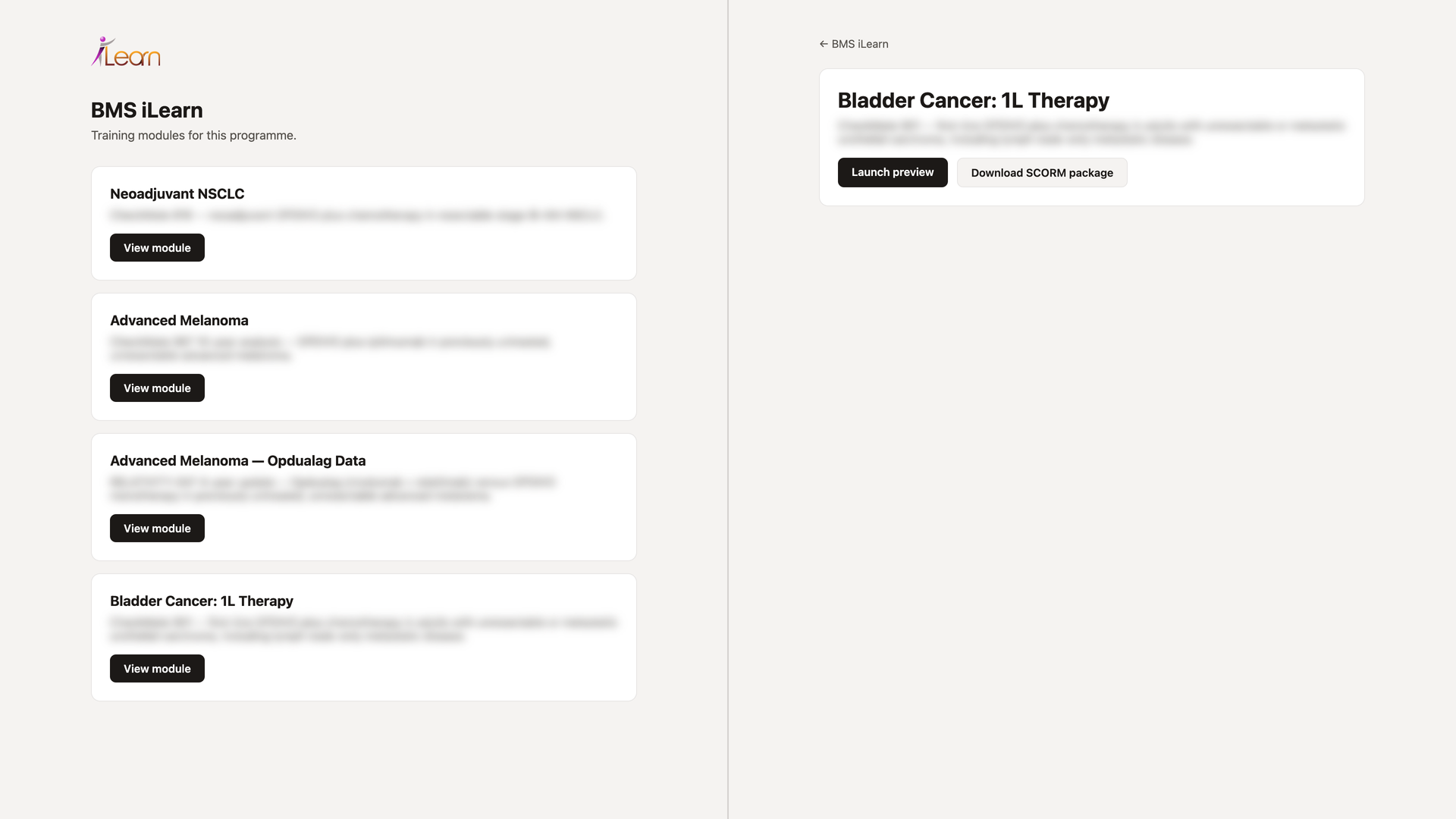
Modules reach the client through a private page generated from one data file. It lists the modules, and each module page has two buttons: launch the preview, or download the SCORM package. Adding a module means adding an entry to that file. The module descriptions are blurred here.
The Details That Matter
LMS platforms disagree on small things. Some return an empty value on first launch instead of “ab-initio”. Some drop the session without warning. Some cut saved data past 4096 characters. The player treats an empty value as a fresh start, reconnects when a session is lost, and keeps the learner’s whole state in a compact JSON well under the limit.
Video straight out of the edit can be too heavy for a corporate network, and playback stops every few seconds to buffer. We added an encoding step that caps the bitrate, moves the file’s index to the front, and leaves files that are already fine alone. The originals are kept, so it’s easy to undo.
A finished lesson never slips back to “in progress” when the learner opens the module again. A small thing, but it’s what a manager sees in the LMS report.