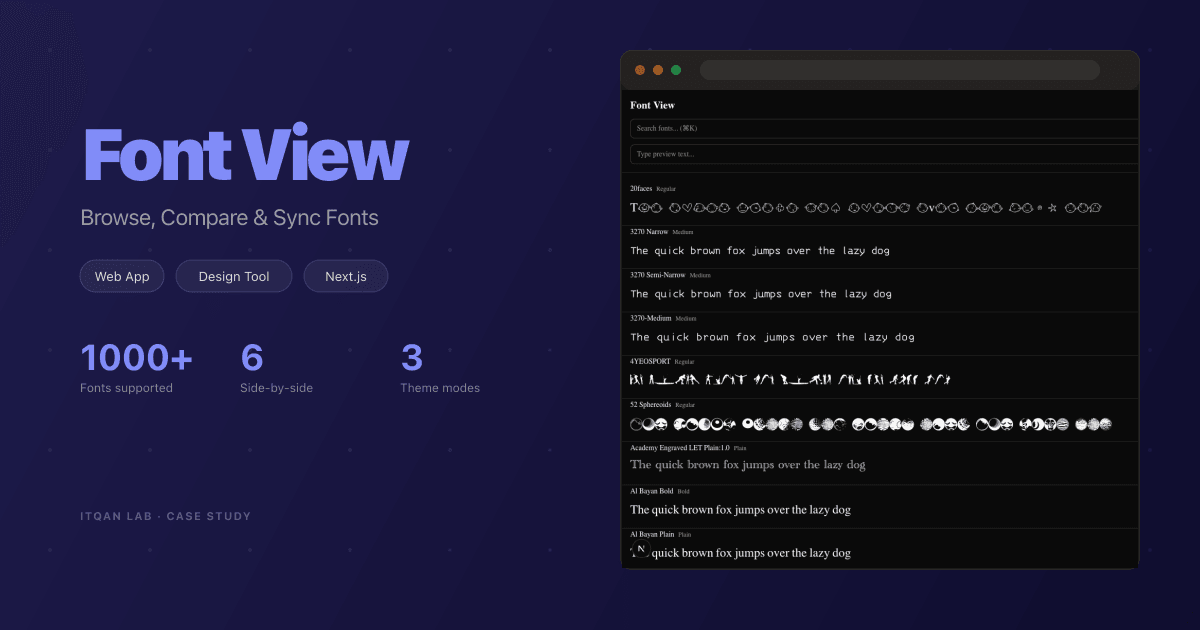
Font View — Browse, Compare & Sync Your Local Fonts
We built a web app that lets designers and developers browse, preview, compare, and cloud-sync their local fonts — now redesigned with a dark, gradient-driven UI that handles 900+ fonts with instant search, live sizing, and Arabic preview.
Services
Results
Links
The Challenge
Designers and developers deal with hundreds — sometimes thousands — of fonts installed on their machines. Browsing them through system settings is slow and limited. There’s no easy way to preview custom text, compare fonts side by side, or sync favorites across devices.
We built Font View to fix that — and have now fully redesigned it.
What We Built
Font View is a web app that uses the Local Font Access API to read your local fonts directly from the browser — no manual uploads. The new version brings a dark UI with a gradient preview bar, rendering hundreds of fonts in a smooth grid.
Instant Browse & Preview
Type any text — Arabic or English — and see it rendered in every font on your machine. Live size and spacing controls, alphabetical or random sort, and a grid/list toggle. Virtual scrolling keeps performance smooth across hundreds of fonts.
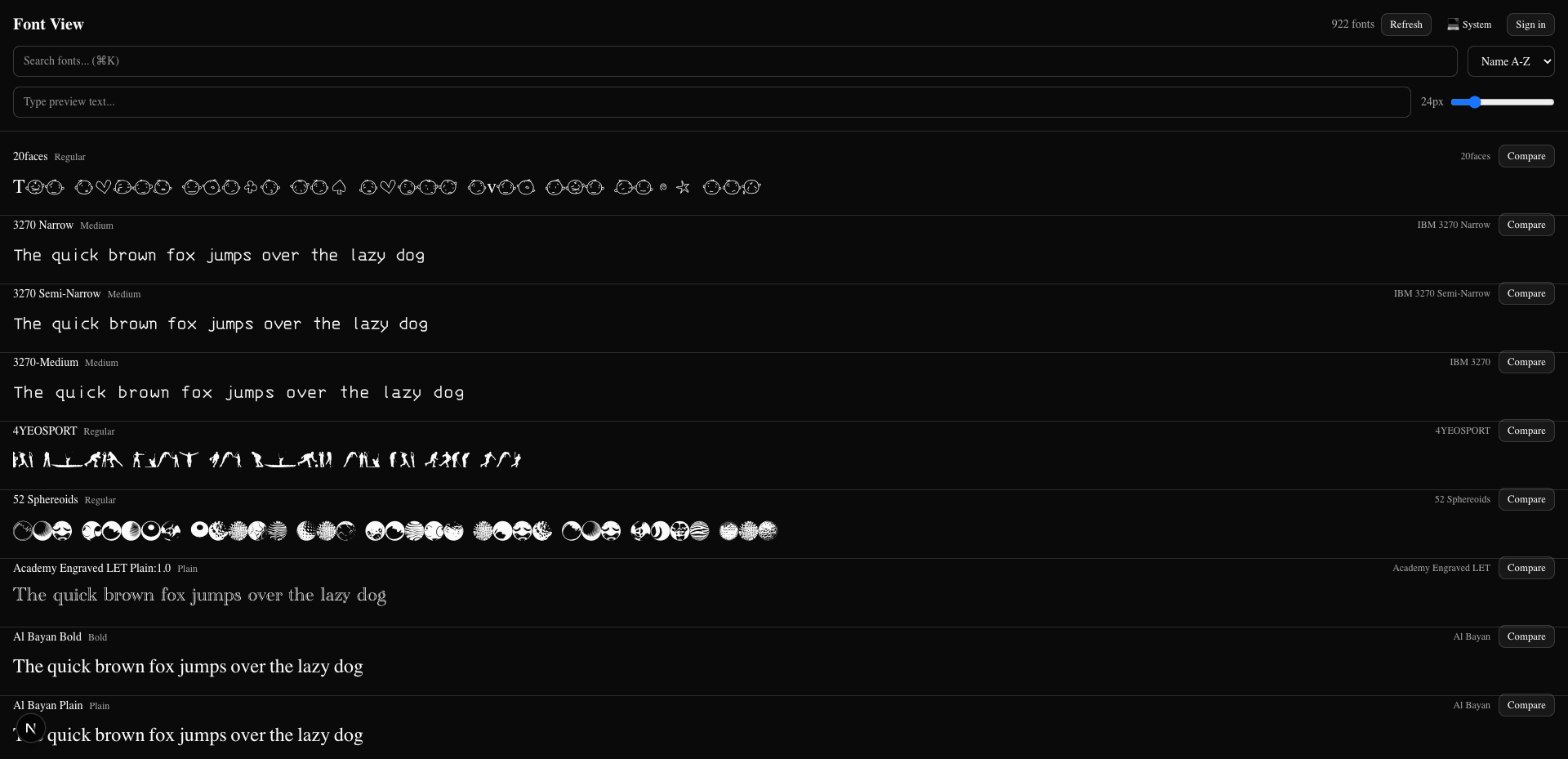
Light and Dark
The interface supports light and dark modes plus system tracking — so you preview fonts in the context you’ll actually use them.
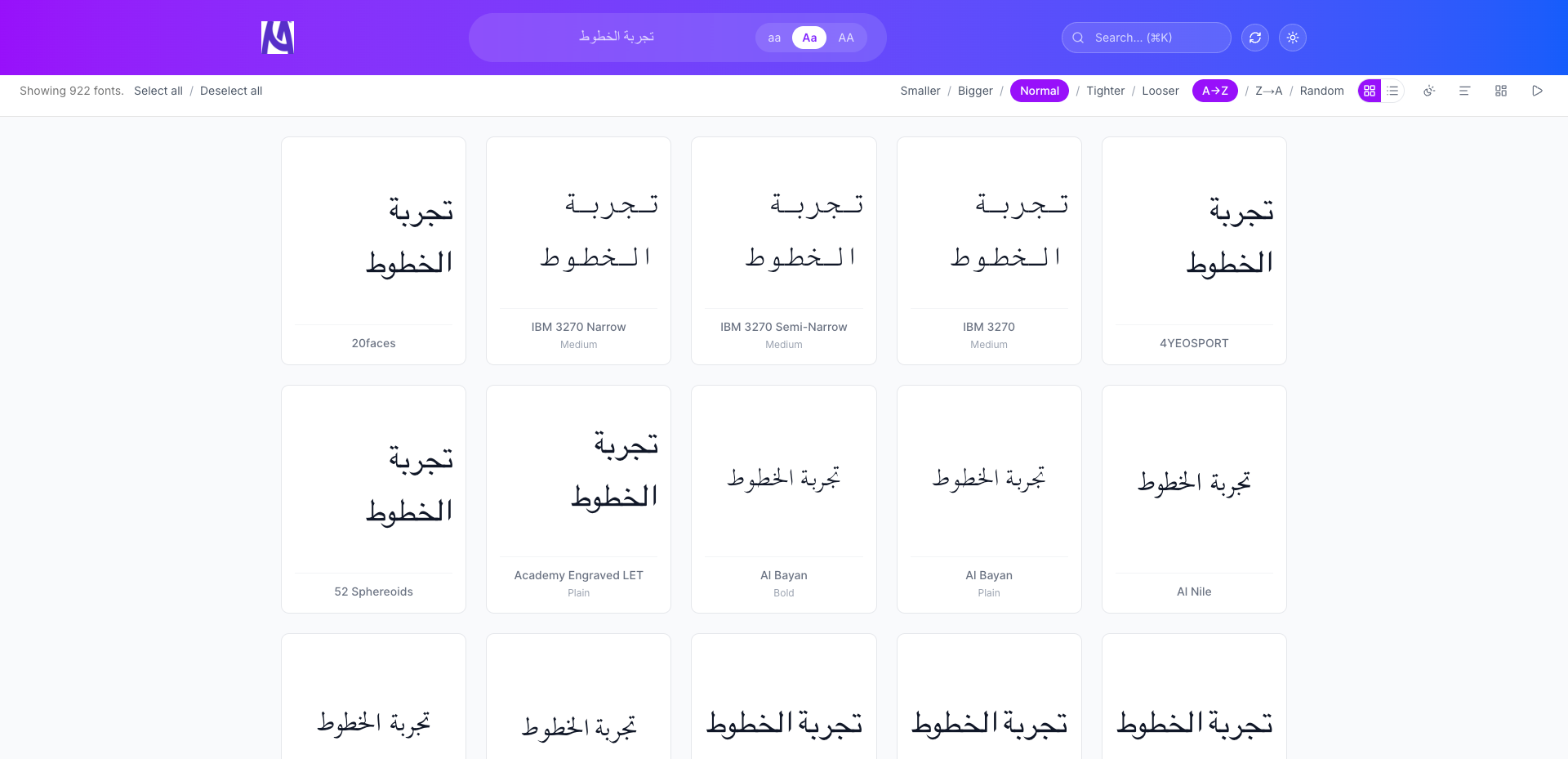
Compare & Cloud Sync
Compare fonts side by side, star favorites, and organise them into collections. Create an account and sync your fonts to the cloud with SHA-256 hashing — only new fonts upload.
Tech Stack
Built with Next.js, TypeScript, Tailwind CSS, and shadcn/ui. PostgreSQL with Drizzle ORM, NextAuth.js authentication, and MinIO storage. Live at fonts.mastudio.ai.
Why This Matters
Font View demonstrates our ability to build real productivity tools — polished interfaces over solid cloud infrastructure, evolving version after version.