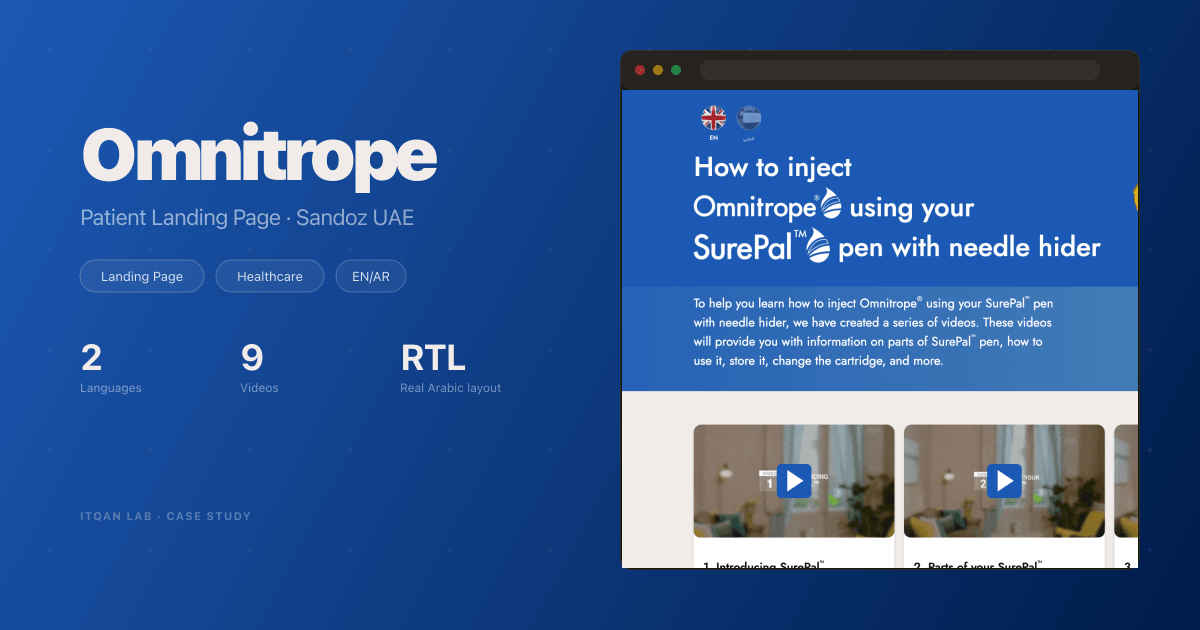
Sandoz Omnitrope: A Bilingual Patient Landing Page for the UAE
A landing page for UAE patients who use Omnitrope with the SurePal pen. Nine videos, twelve FAQs with a PDF download, a real right-to-left Arabic version and a phone layout with swipe sliders, delivered as plain HTML.
Services
Results
The Challenge
Sandoz UAE wanted one page for patients who use Omnitrope® with the SurePal™ pen. Nine short videos on the pen, a set of common questions with a PDF to take away, in English and Arabic. The model was Sandoz’s UK patient page, with the videos given Arabic voice-over and Arabic on-screen text.
The final design for desktop and phone arrived on 4 October 2026. The page was handed over on 7 October.
What We Built
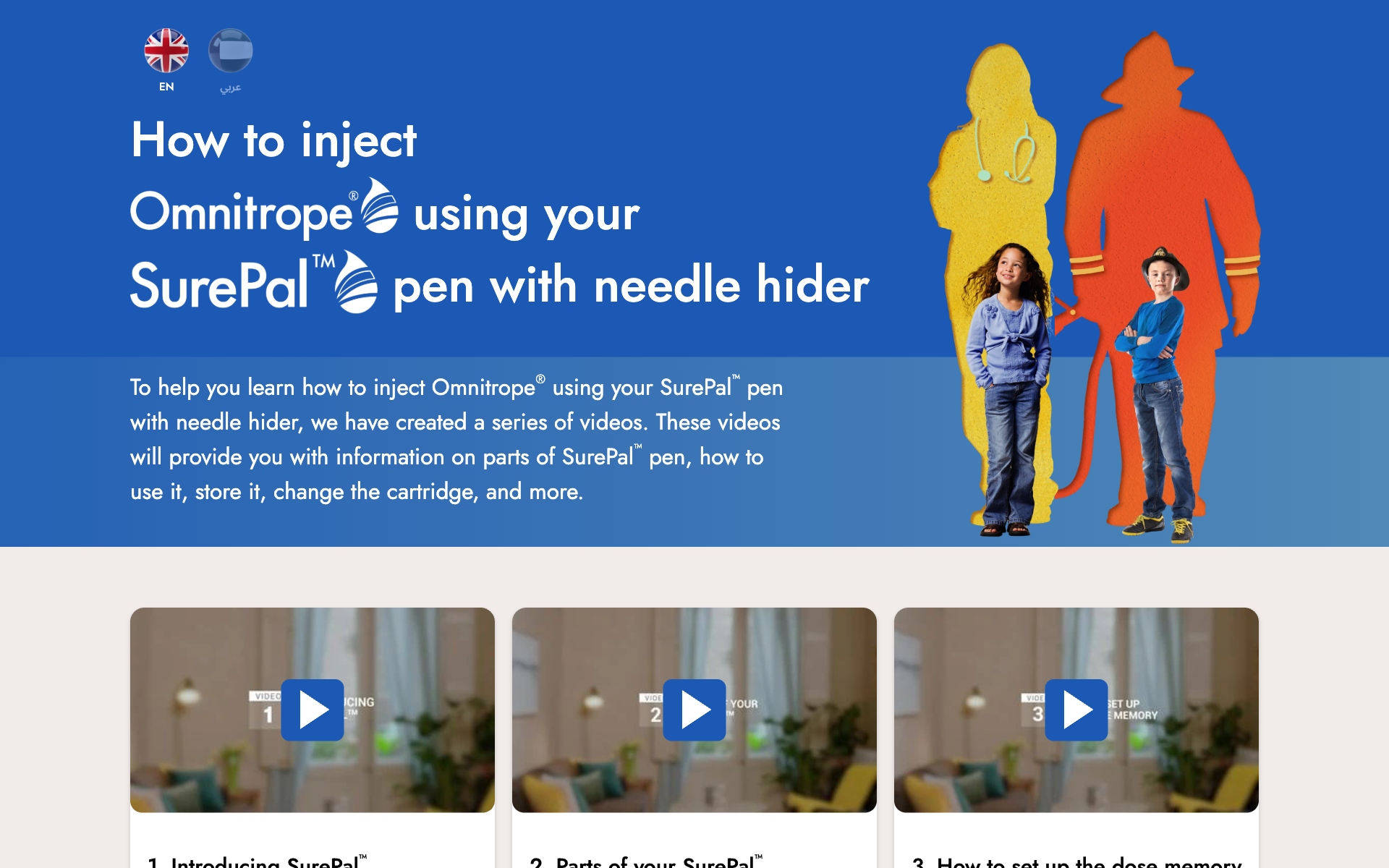
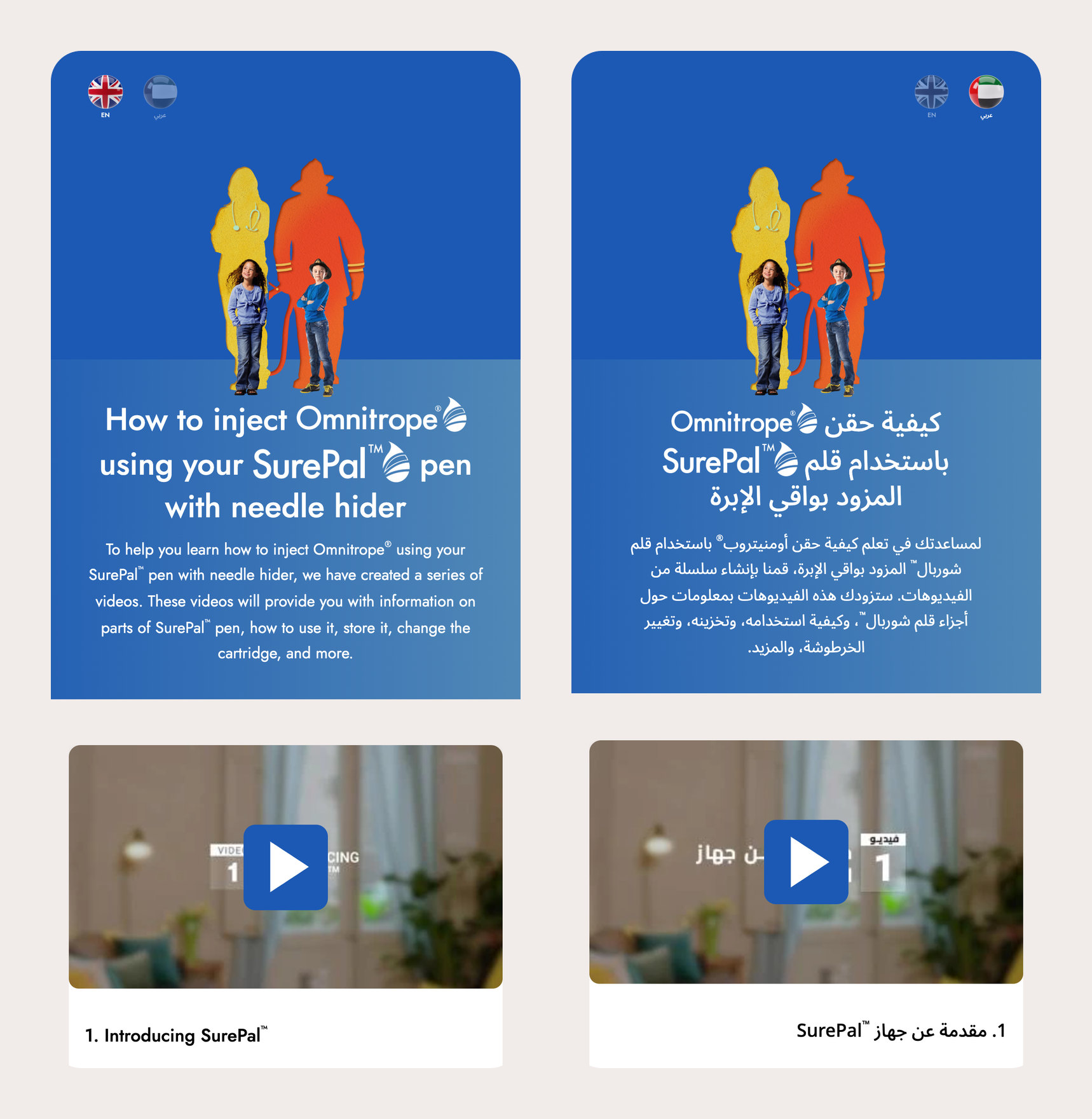
One static page per language. English sits at the root and Arabic under /ar/, and the language switch is a plain link between them. Both are built from one template and one content file, so the two versions share the same structure.
The Hero
The desktop layout follows the 1280 px design. Every size in the CSS is written in design pixels, so the page shrinks in proportion down to 768 px and keeps its three columns. The Omnitrope® and SurePal™ logos sit inside the headline like words.
Nine Videos
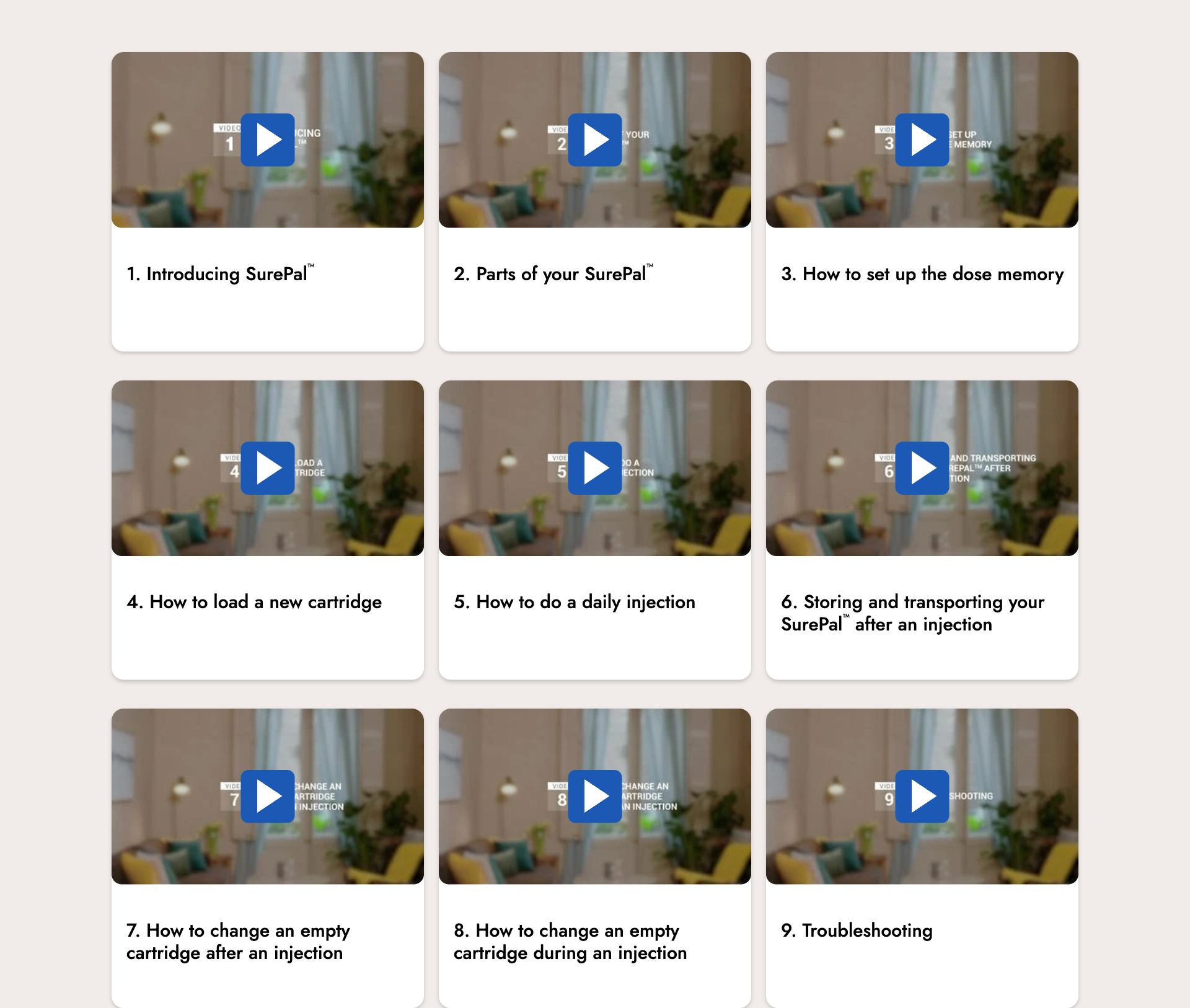
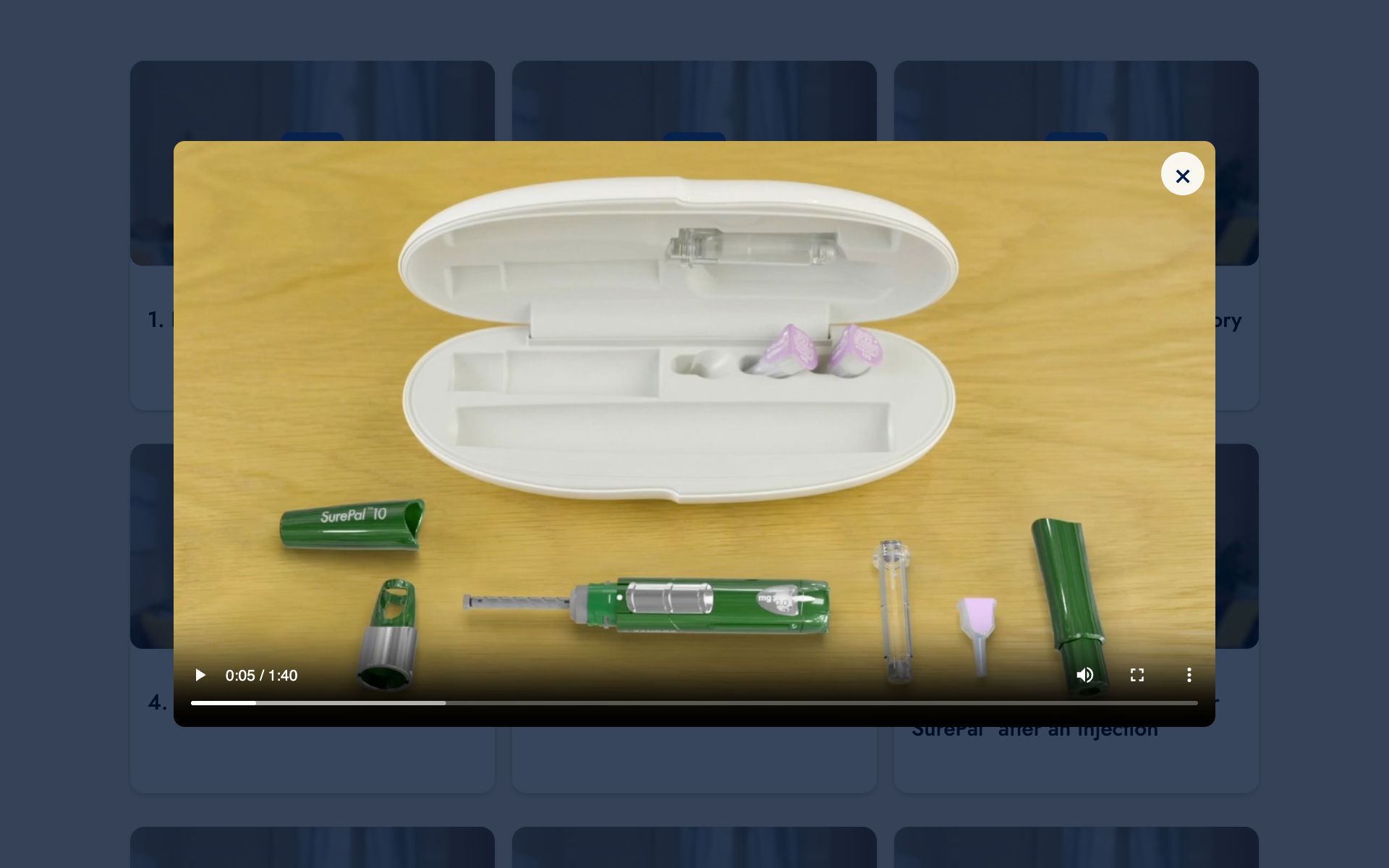
Nine cards in three rows. The page loads only the thumbnails, and only as they come into view. No video file is fetched until someone opens a card. Then one shared dialog plays it, and closing the dialog removes the player, so nothing keeps playing in the background.
Each language has its own nine files. A JSON file maps every card to its video, so swapping in the final high resolution cuts is a file edit, not a code change. A card with no video yet shows “available soon” instead of a broken player.
Phones
Below 768 px the phone design takes over. Each row of three videos turns into a swipe slider, one card at a time, with dots under it. The dots follow the swipe, and tapping a dot slides to its card.
Questions and the PDF
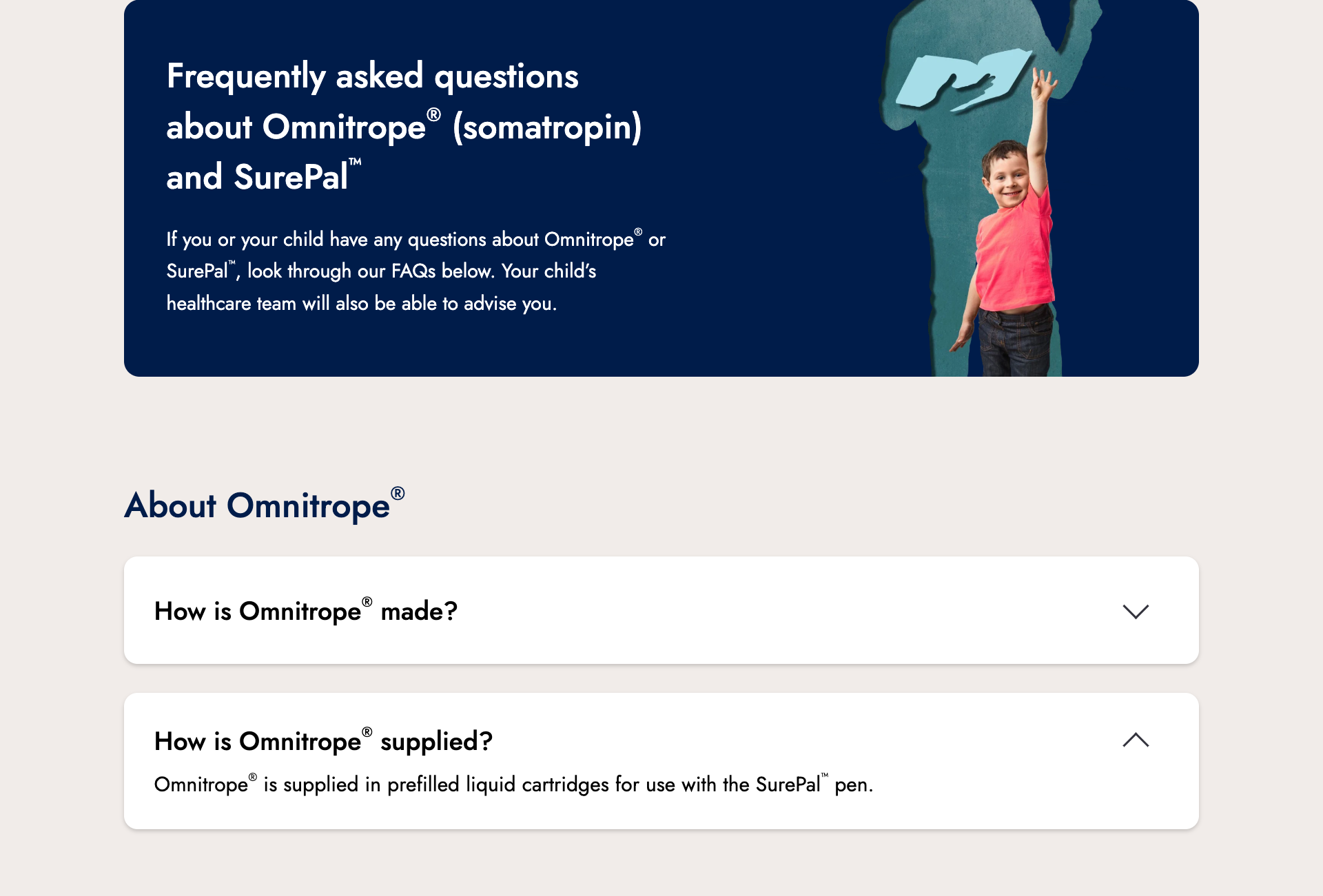
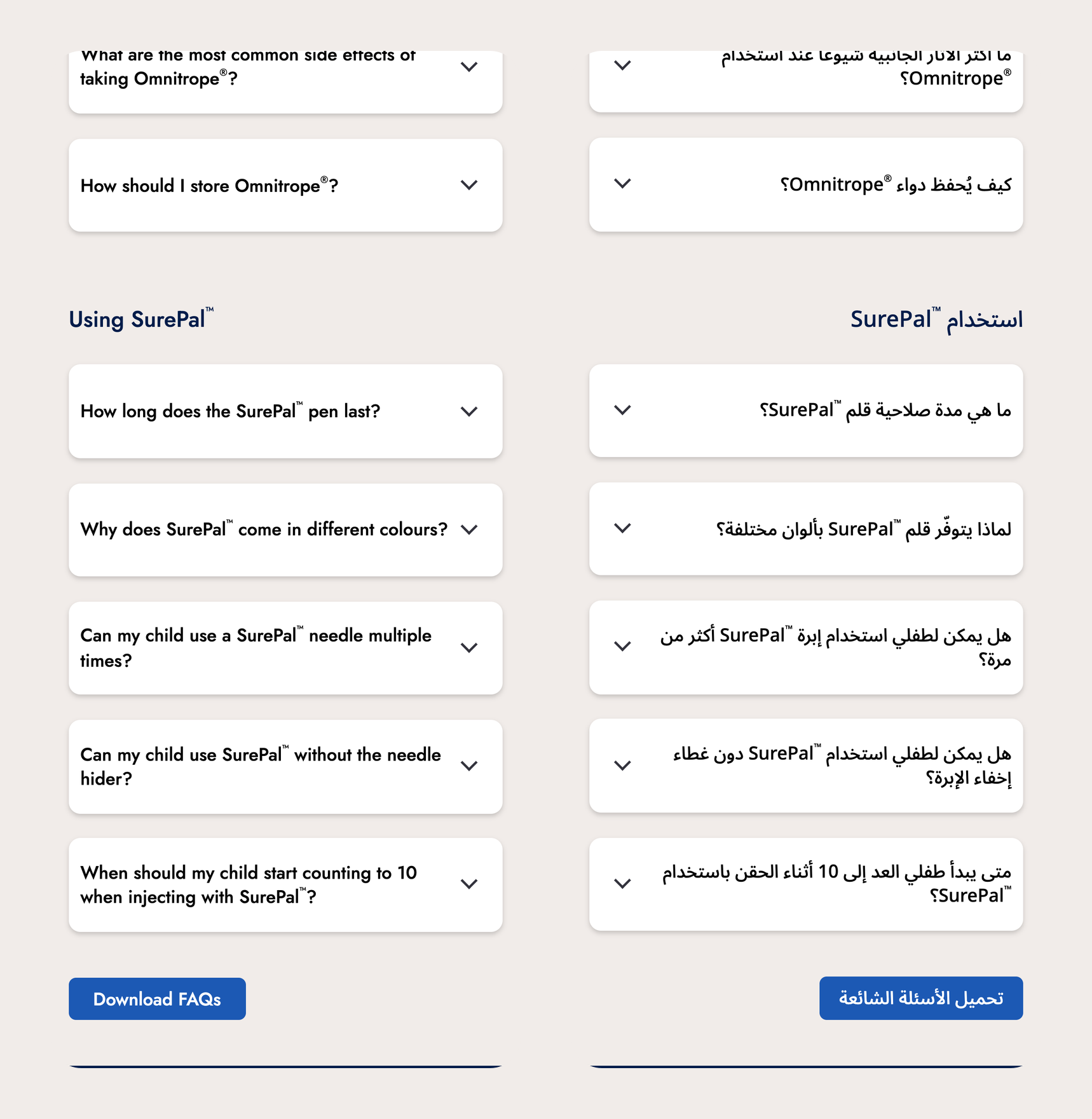
Twelve questions in three groups, closed by default as the design shows them. Each one is a native <details> element, so it opens from the keyboard and screen readers announce its state with no extra script.
The Download FAQs button gives a PDF in the page’s language. We print that PDF from the page itself with headless Chrome and a print stylesheet that opens every answer. The page and the PDF cannot drift apart.
The Details That Matter
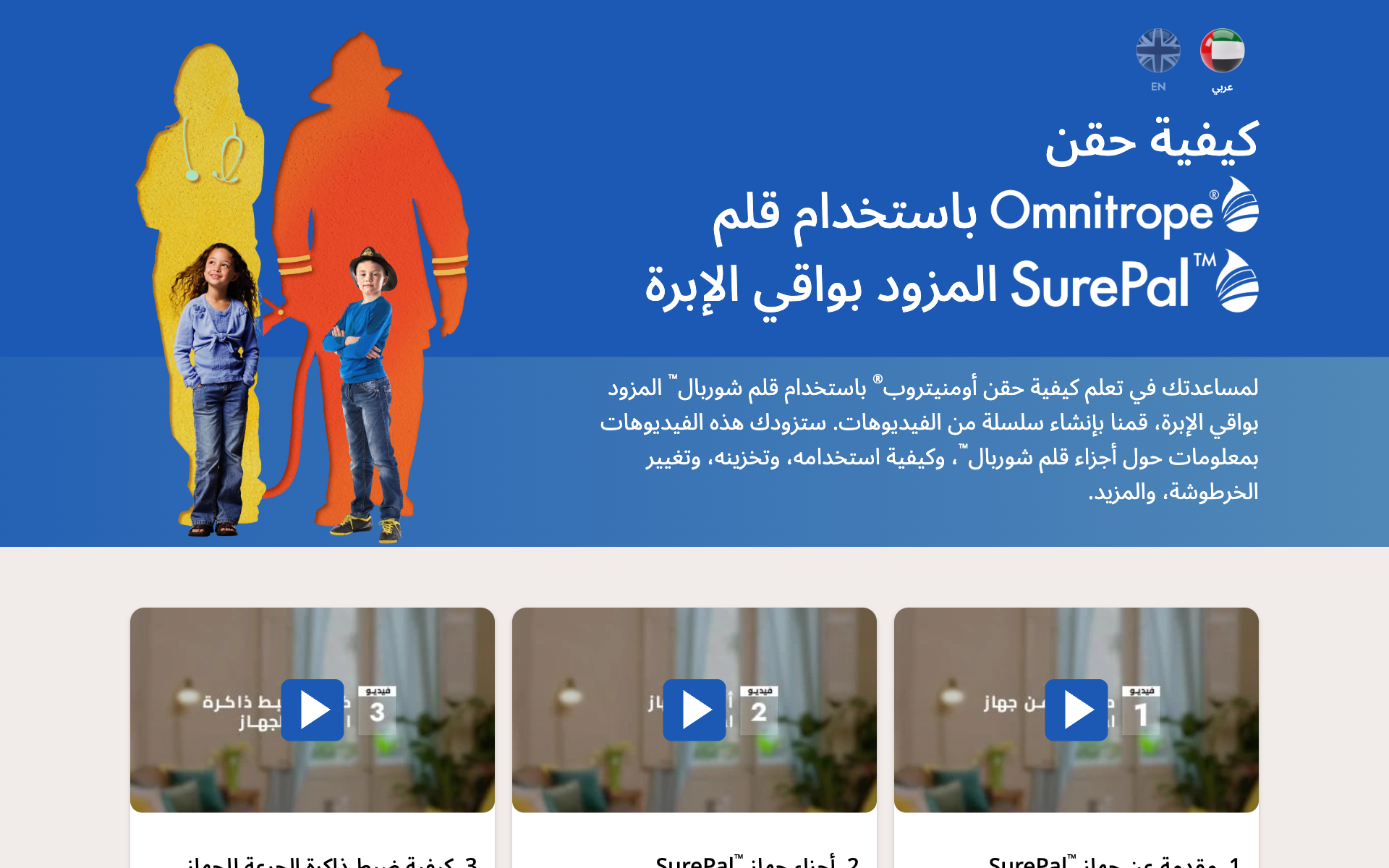
The Arabic page is a real right-to-left layout, not a mirrored copy. The CSS uses logical properties (inline-start, inline-end), so spacing flips on its own. The hero photos keep the order the design gives them in both languages. The accordion chevrons turn the other way. In Arabic the slider dots run right to left to match the swipe. The script finds the card in view by measuring positions, so the same lines work in both directions.
Latin brand names inside Arabic text keep their ® and ™ in a small left-to-right span. The mark stays after the name instead of jumping to the other side. Fonts are Jost and Noto Sans Arabic. The Arabic layers in the Figma file were set to Jost, which has no Arabic letters, so Figma was quietly drawing them in Noto Sans Arabic. We compared letter shapes against the Arabic PDF before settling on it.
Copy was checked line by line against the text layers of the final Figma file. The regulatory text in the footer stays in English on both pages, as the design has it.
The page ships as plain HTML, CSS and one small script, with no framework. The client hosts it on their own server and domain. Keyboard focus is always visible, every play button and dot has a label in the page’s language, and transitions switch off for visitors who ask for reduced motion.