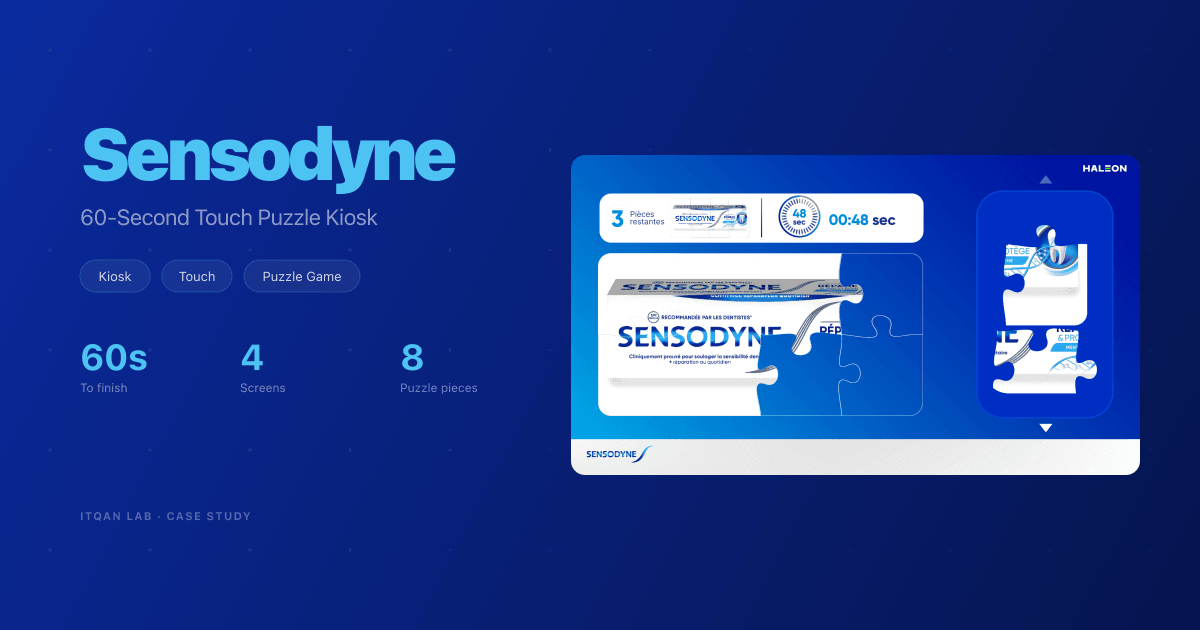
Sensodyne Game: a 60-Second Touch Puzzle for a Dental Kiosk
A touch-screen kiosk experience for Sensodyne: an animated landing, two tap-through screens that walk a dentist through the campaign, then a 60-second drag-and-drop puzzle that rebuilds the Sensodyne pack.
Services
Results
The Challenge
Sensodyne, a Haleon brand, wanted a touch-screen experience for dentists at its stand. A dentist walks up, gets the campaign message in about a minute, then plays. One fixed 1920x1080 screen, touch only, and nobody standing there to explain it.
The artwork came finished, in French. Our job was to turn it into something that responds to touch, moves, and ends in a game with a clock and a result.
What We Built
Four screens in a row: the landing, two tap-through screens, then the puzzle. The loops below are muted.
The Landing
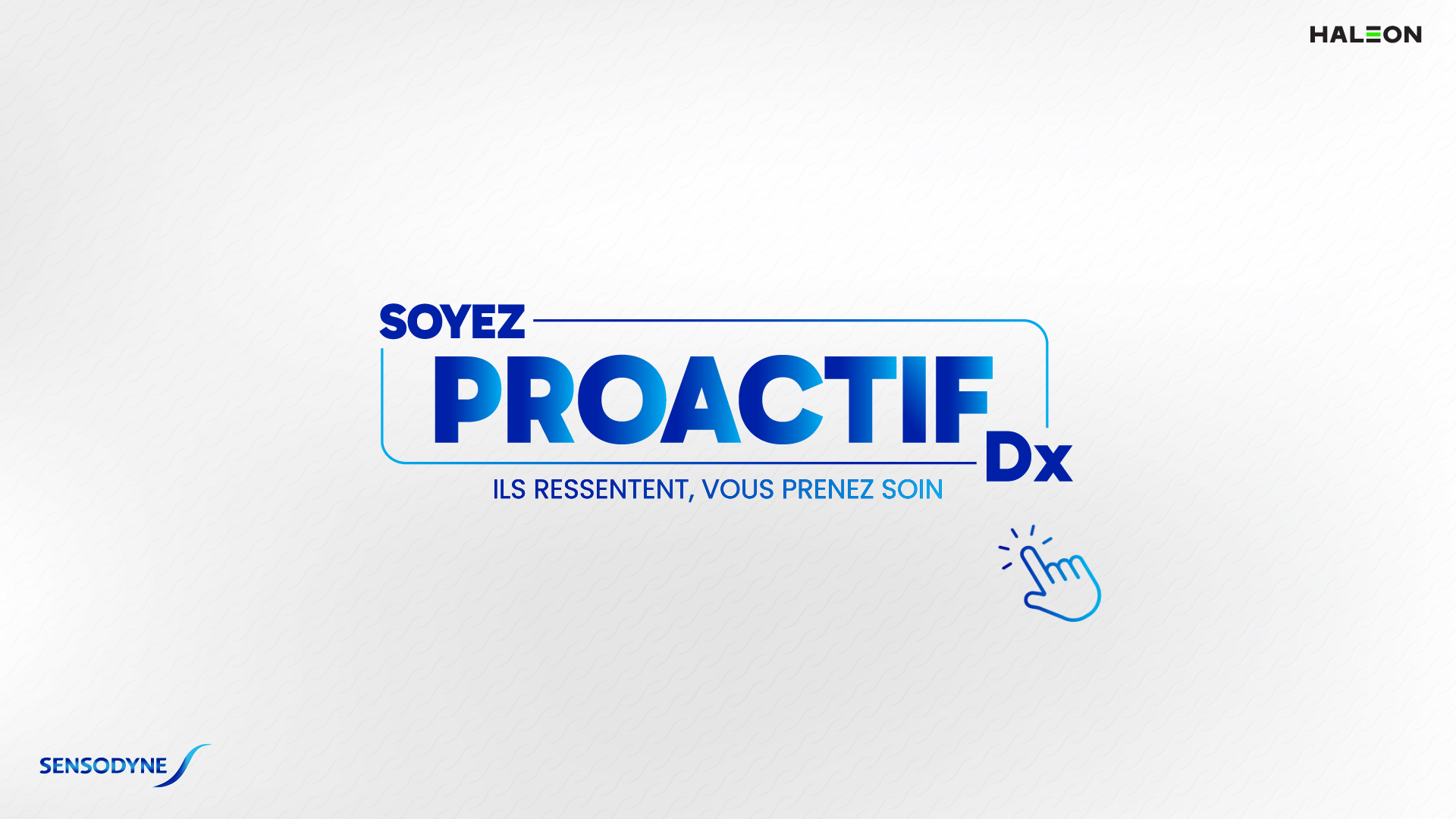
The lines of text fade in one after another, two strokes draw the frame around the campaign name, and the logo bounces into place. Then a breathing hand appears. It says one thing: touch here.
Two Tap-Through Screens
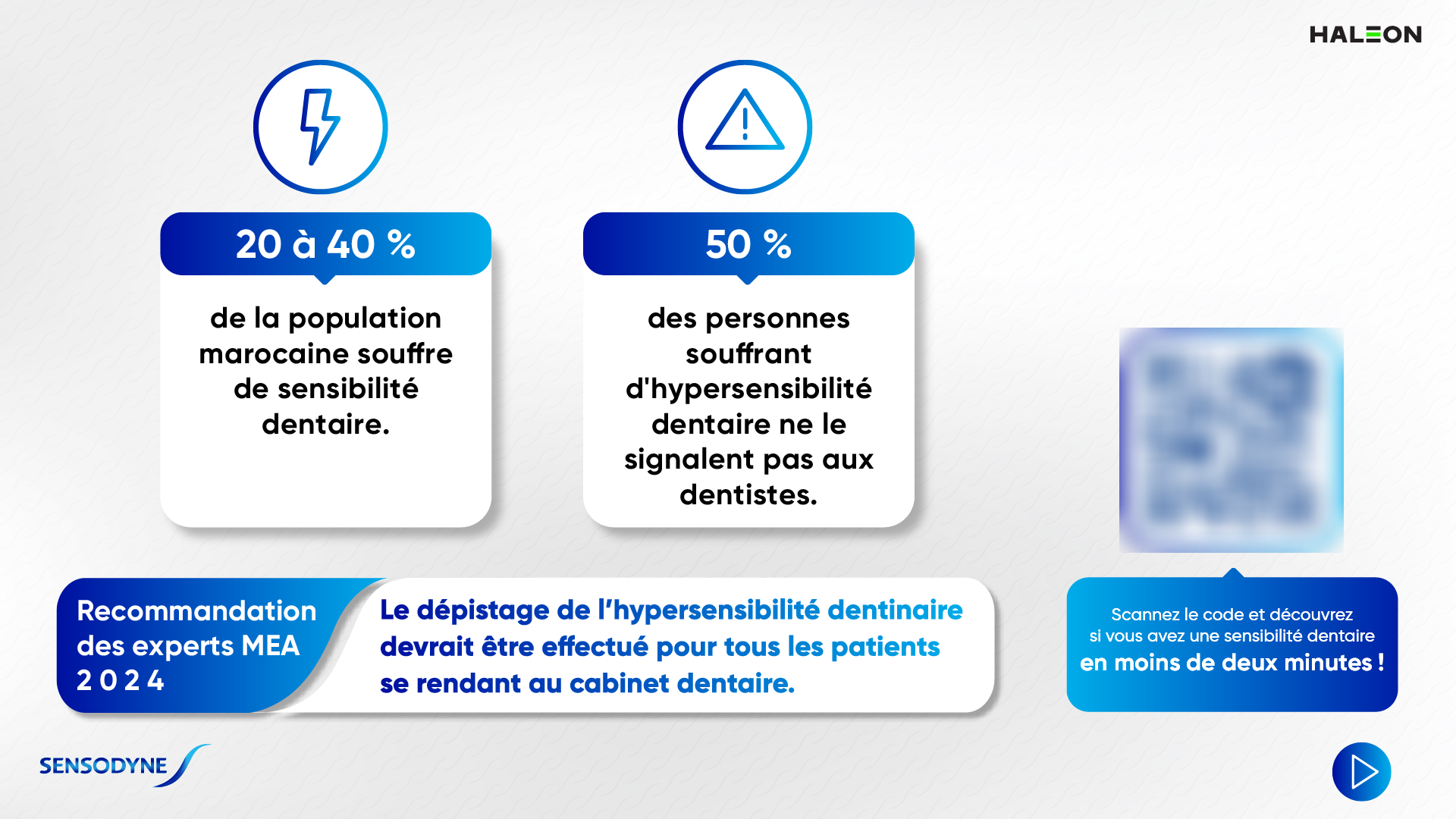
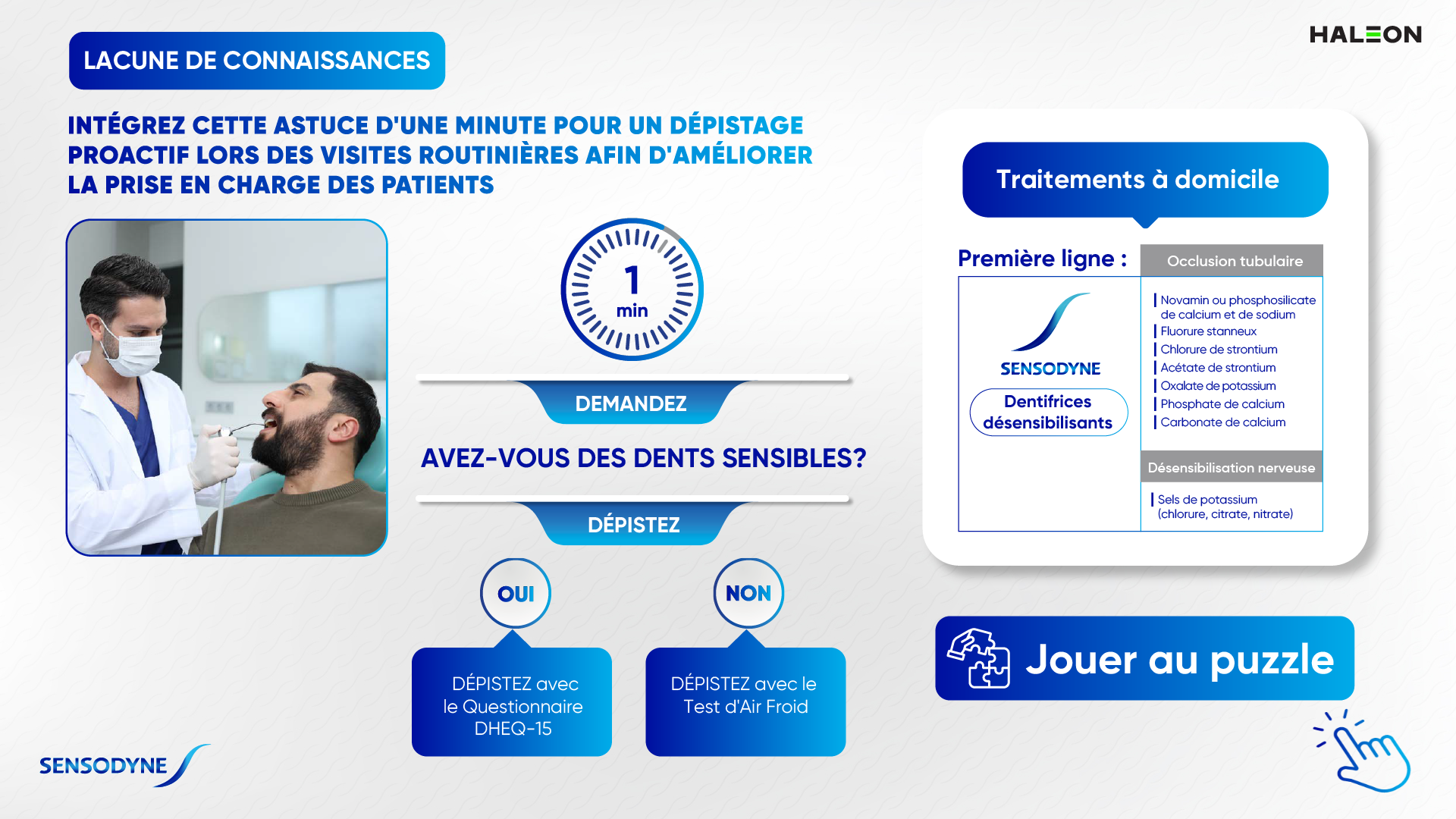
Each tap reveals the next step, and the animated hand always moves to whatever is waiting to be touched. Nobody has to read instructions. The second screen ends on a “Jouer au puzzle” button that opens the game. The QR code on the first screen is blurred here.
The Puzzle
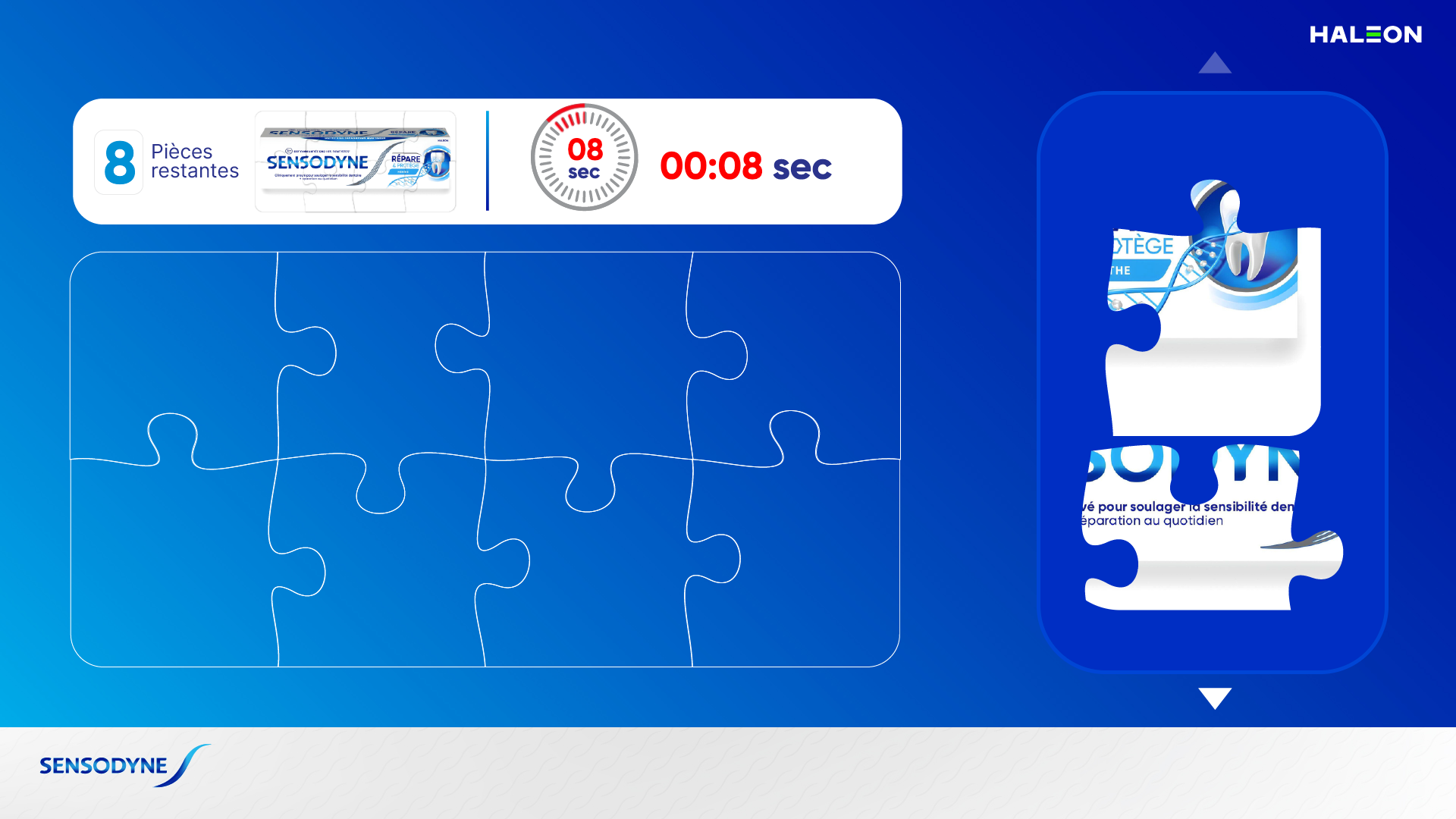
Eight pieces of a Sensodyne pack sit in a side tray, next to an empty board and a 60-second clock. The player drags each piece onto the board. Drop it close to its spot and it locks in. Drop it anywhere else and it slides back to the tray. A counter shows how many pieces are left.
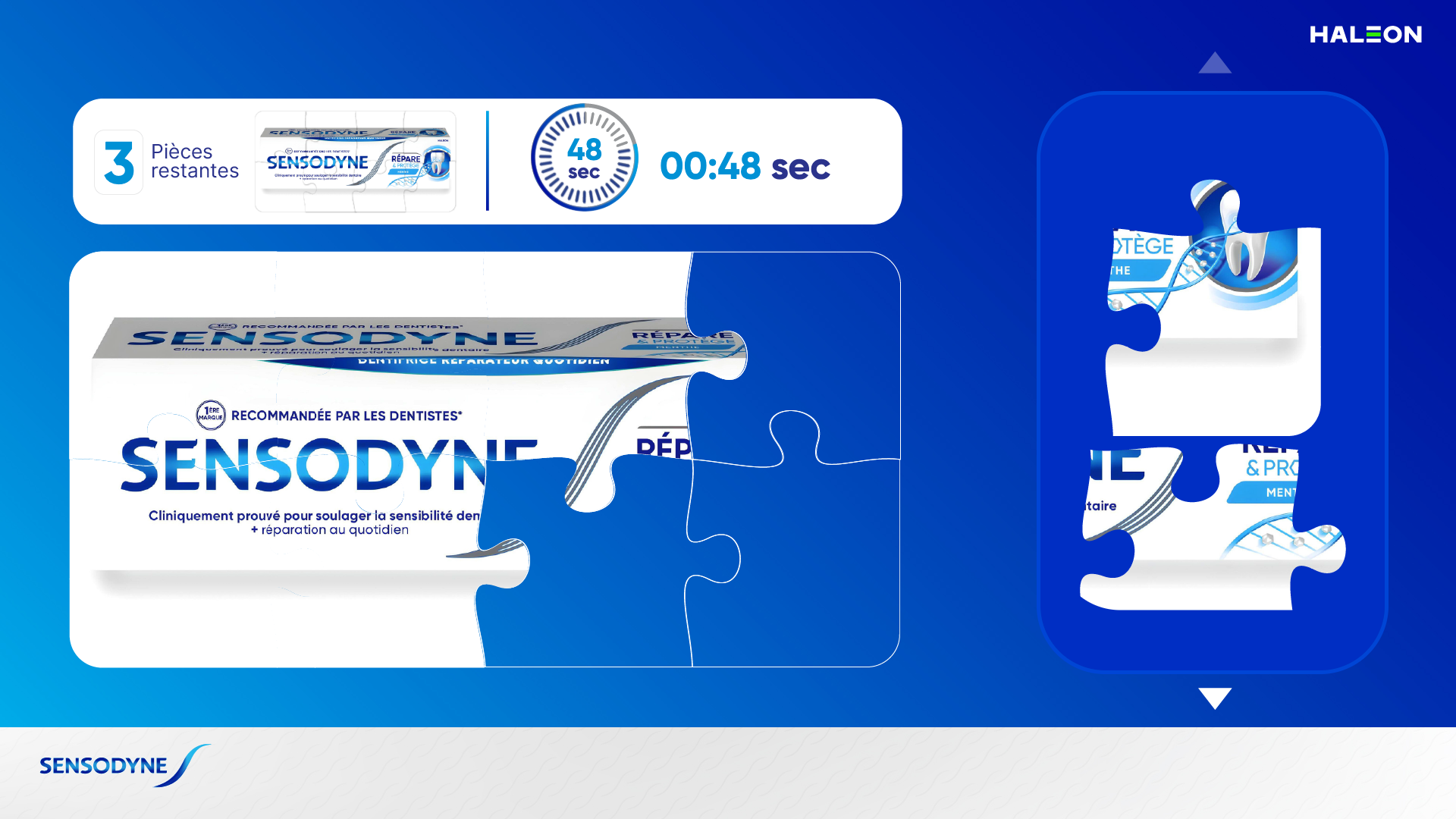
The clock shows twice: a ring that empties, and a minutes-and-seconds readout. Both read the same counter, so they can never disagree. In the last 10 seconds both turn red together.
Win and Lose
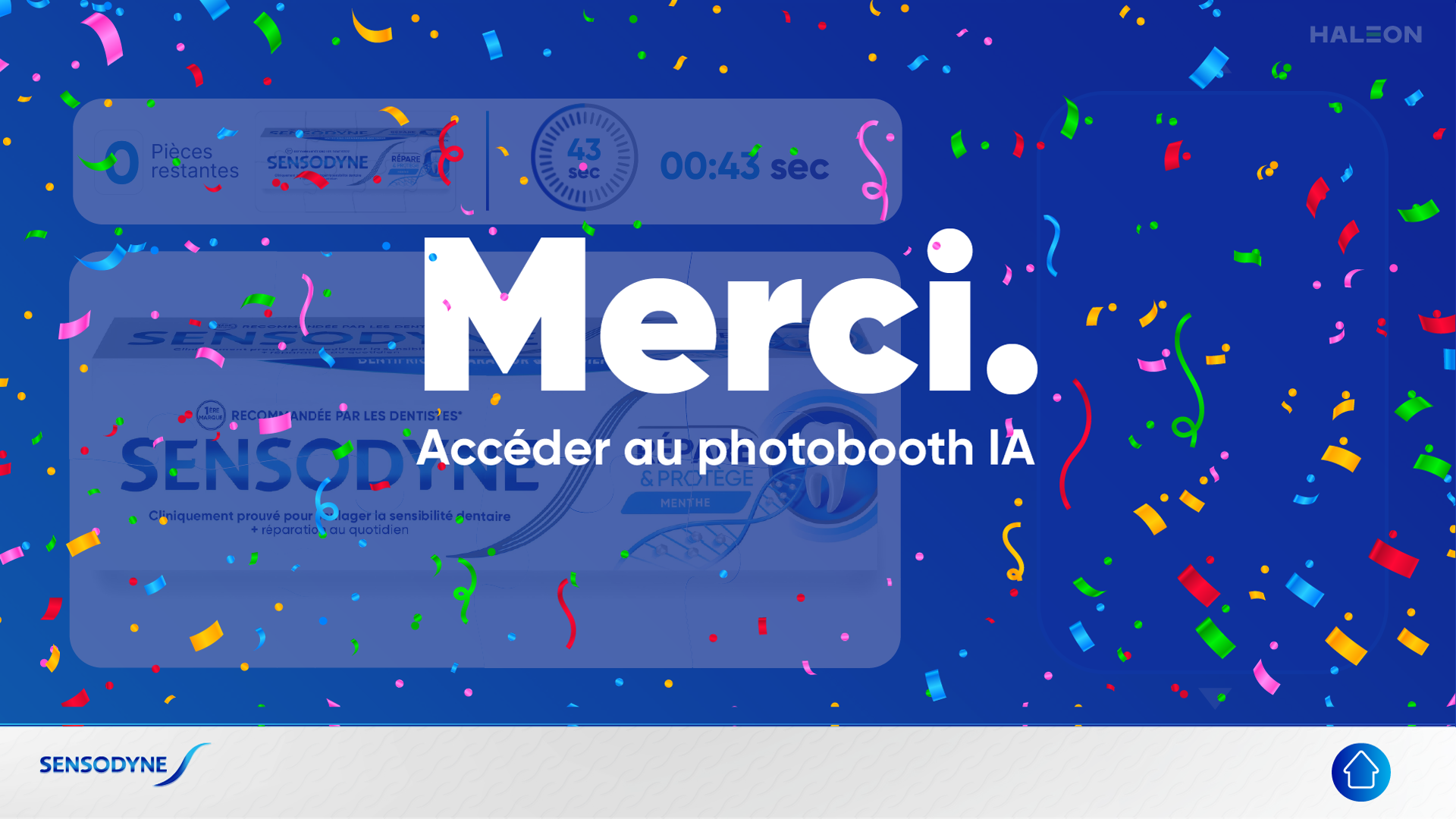
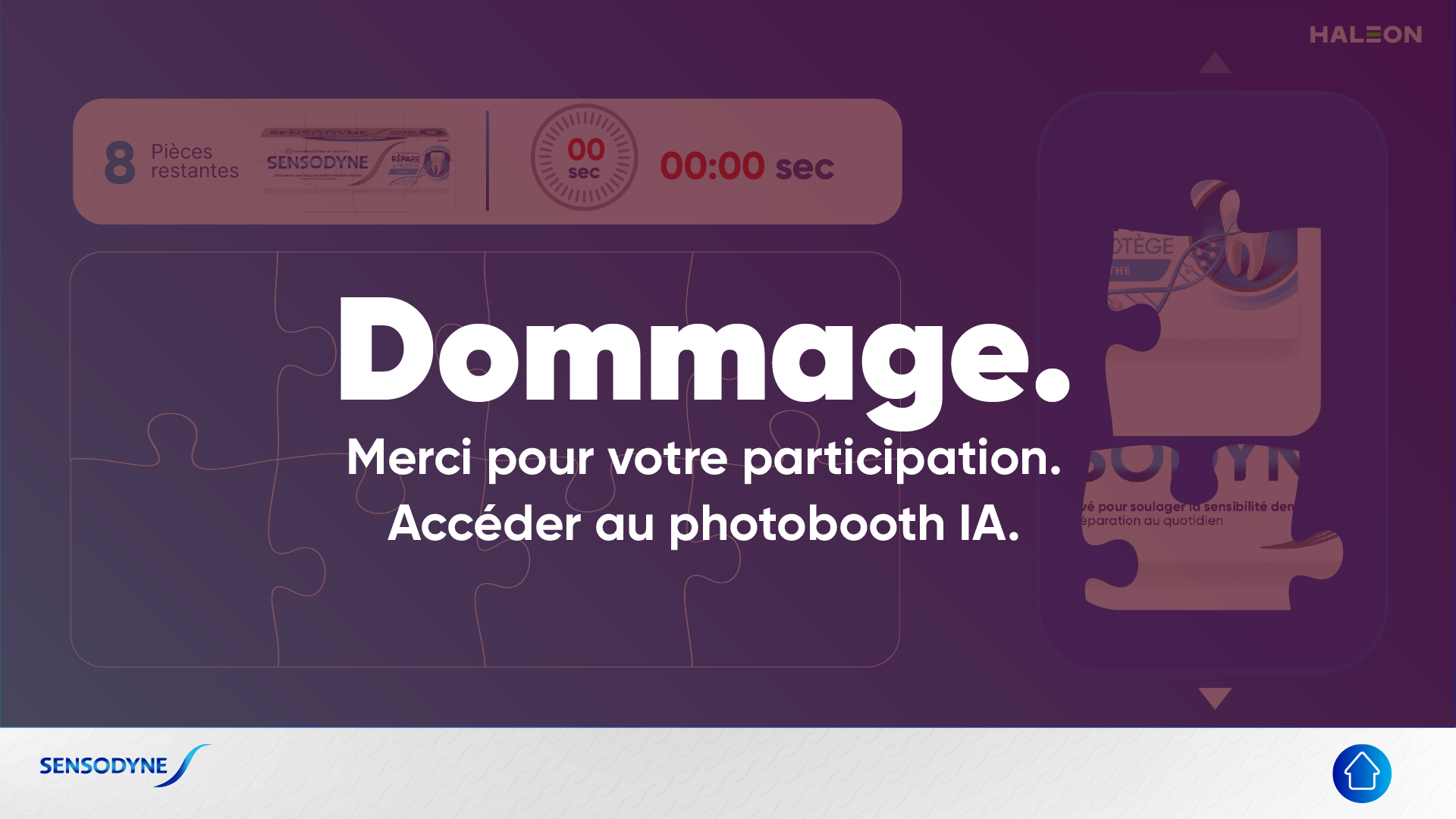
Placing all eight stops the clock and opens “Merci.” with confetti. Running out of time opens “Dommage.” Both point the player to the AI photobooth at the same stand, and the home button resets everything for the next dentist.
The Details That Matter
The pieces are shuffled every round, so nobody learns the order from the person before them. Each piece knows its target from its own image file, not from where it sits in the tray. Shuffling can’t break the matching.
Target spots are worked out from the piece images when they load. If the artwork changes a piece, it still lands in the right place without a code change.
The tray scrolls one whole piece per arrow press, and each arrow switches off at the end of the list. A dragged piece floats above the whole screen, so the tray’s edge never clips it. A small touch layer turns finger drags into the mouse events the drag library expects, because the kiosk has no mouse.
It is plain HTML, CSS and jQuery with no build step. The kiosk opens it straight from a folder.