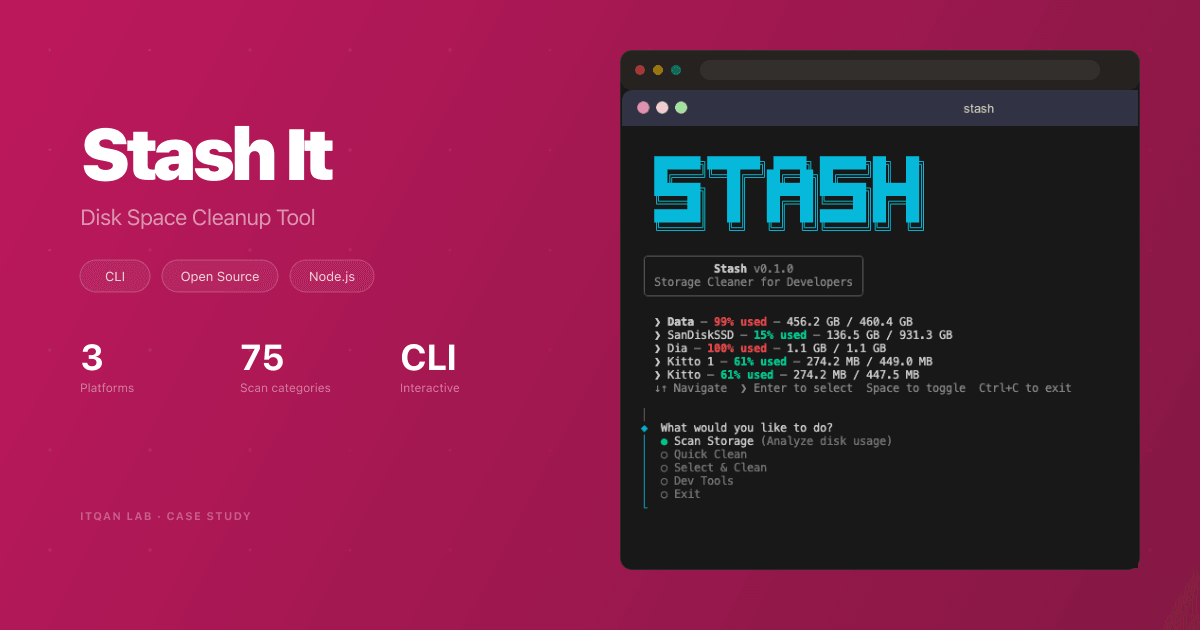
Stash It — Reclaim Gigabytes of Disk Space in One Command
We built an open-source cross-platform CLI tool that scans your machine for junk — node_modules caches, Xcode artifacts, Docker leftovers, and more — and lets you reclaim gigabytes of disk space safely.
The Challenge
Every developer deals with the same problem: a full disk. npm caches from 47 abandoned side projects, Xcode Derived Data from that one time you tried SwiftUI, iOS Simulators for iOS versions that don’t exist anymore, Docker images you pulled once and forgot about — all silently eating your disk space.
You could hunt them down manually. Or you could just stash it.
What We Built
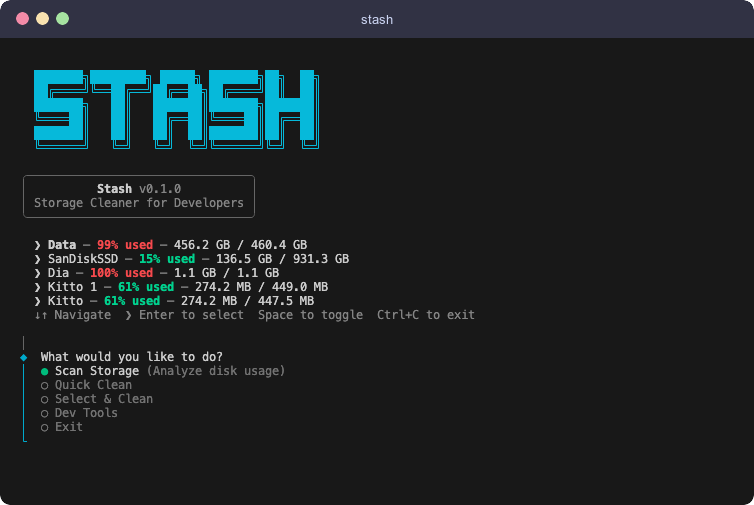
Stash It is an interactive CLI tool that runs with a single command — npx stashitnow — scans your machine, shows you everything that can be safely removed, and lets you choose what to clean.
Smart Cross-Platform Scanning
Supports macOS (25 categories), Windows (24 categories), and Linux (26 categories). The tool auto-detects your OS and only shows tools you actually have installed. On macOS, it uses APFS-aware scanning for accurate disk numbers.
Safe by Design
Every target is classified by safety level: green (safe — caches that re-download automatically), yellow (selective — you pick what goes), or display-only (shows you the size without touching anything). Nothing risky gets deleted without your explicit choice.
Quick Clean or Select Clean
Quick Clean nukes all safe caches in one click. Select Clean gives you an interactive multi-select to pick exactly what to remove. Every cleanup action is logged with timestamps and freed space.
Dev Tools Manager
Manage iOS Simulators, Android SDK platforms, and Android Emulators — choose which devices or versions to remove from an interactive list.
Tech Stack
Built as a monorepo using Nx with TypeScript. Packages are cleanly separated: core (types and utilities), engine (OS detection), a platform package for each OS, and an interactive CLI. Published on npm as stashitnow and runs directly via npx.
Why This Matters
Stash It proves that useful tools don’t need complexity. One command, zero setup, gigabytes reclaimed — fully open source.